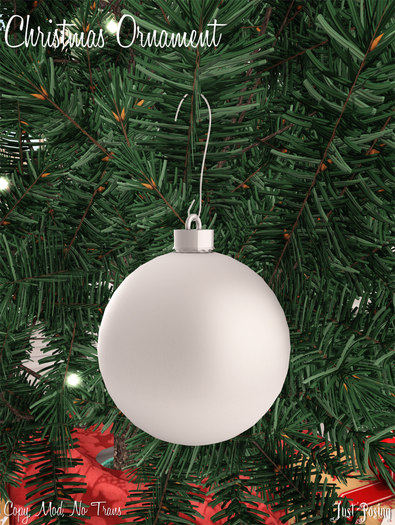

A simple ornament for your holiday tree decorating needs! This little guy is copy and mod so you can put out as many as you'd like AND change their colors!
How do you change it's color? Good question!
1. Right click and select edit on the ornament.
2. In the Edit window, check the "Select face" button at the top.
3. Click on the round part of the ornament and make sure that face is selected.
4. Move to the "Texture" tab in the edit window and change the color! Don't forget to select OK!
Is this original mesh ornament perfect? Nope! But it gets the job done and makes your christmas tree look nice and festive without making you broke! Prim count may vary depending on how you scale the object! Tree and other decor NOT included. This is ONLY an ornament.
If you have any questions or issues please feel free to contact me I will get back to you as soon as I can!
Thank you for shopping with ~Just Posing~!
