
Have you ever went to a club and wonder where is the tip jar of someone ? Have you ever made a party or an event and the guest were asking where is your tip jar ?
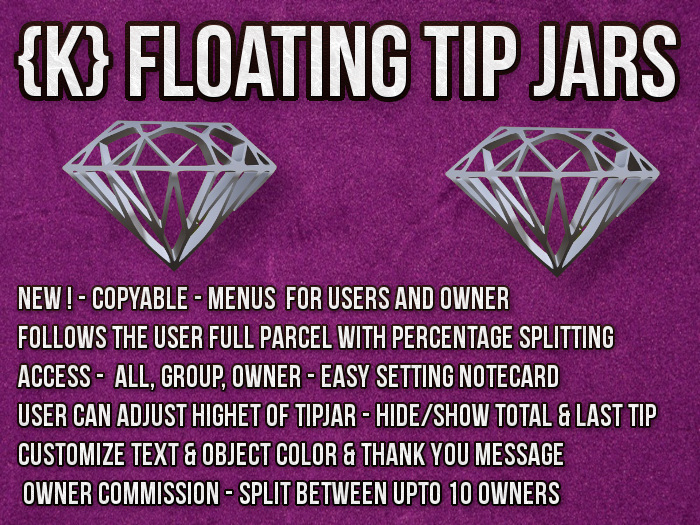
This {K} floating tip jars system is the perfect solution. Its rezzing a floating tip jar that follow the register user above the head in the entire parcel.
It's a very easy to configure through configuration notecard.
FEATURES:
1. Tipjar rezzer 2-prims, copyable. Each floating tip jar is 2 prims.
2. The tip jar follows the registered user throughout the entire parcel.
3. Owner commission may be divided among multiple owners.
4. Access: Open to all, group, or owner only.
5. Customizable optional Floating Text
6. Set the floating text to any color.
7. Set Rezzer to any color.
8. Automatically remove the floating tip jar when a registered user leaves the parcel or logs off.9. A registered avatar can change how far above the head it will float.
10. Customizable "Thank you" message...
11..and the list goes on and on
HOWTO SETUP THE SYSTEM ?
IMPORTANT: For the system to function, you must own the land, or if it's under a group, you need to enable the ability for group members to rez objects.
Simply having a role that allows the creation of objects is not sufficient.
1. Rez a copy of the {K} CLUB FLOATING TIPJAR SERVER.
2. Edit the settings notecard found inside the content tab.
3. Object will restart and ask for debit permission (it's not stealing your money, this is how club tipjars work, You get the tip and pass the registered avatars it's portion).
4. Touch and log in. Make sure it's working as you expect .
5. You can copy this object and make copies around your venue.
SUPPORT AND HELP IM/Notecard kingofhearts bravitz.
EXAMPLE OF SETTINGS NOTECARD
# SETTING FOR THE FLOATING TIP JAR. YOU MAY CHANGE ONLY THE VALUES NOT THE KEY NAME
#
# STAGE 1
# Set Title for the TIPJAR
TITLE=My Club Tipjar
# STAGE 2
# Set Owners Commission. set 0-100
COMMISSION=0
# STAGE 3
# Set if the owne get a message each time money is received [YES/NO]
IM_OWNERS=YES
# STAGE 4
# Set text color
TEXT_COLOR=1,1,1
# STAGE 5
# Set object color
OBJECT_COLOR=0.8, 0.2, 0.1
#STAGE 6
# This message will appear after the thank you for your donation...
MSG=Thank you for your awesome tip.
# STAGE 7
# Set buttons pay amounts
# Ex. PAY_AMOUNTS=25, 50, 100, 250
PAY_AMOUNTS=25, 50, 100, 250
# STAGE 8
# Set rotate the object [YES/NO]
ROTATE=YES
# STAGE 9
# Choose using group access only [OWNER/GROUP/ALL]
ACCESS=ALL
# STAGE 10
# Add owners
# EXAMPLE OWNER=26f4a111-2dc2-4f0b-85d8-868795b74bf5


