Details
Features
Contents
Reviews
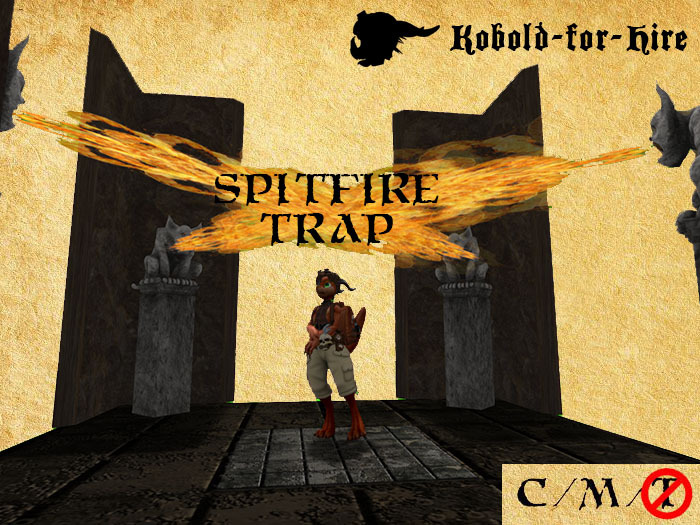
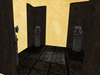
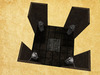
The Spitfire Trap is a fun little room you can place at an intersection of hallways. Step on the trigger plate and the statues in the corner give you a very "warm" reception. Heehee!
Here's how to rez it:
1. Drag the object "Rezzer Spitfire Trap" into your sim.
2. Touch the object and a menu will appear.
3. Click "Build" and your trap will auto-rez
4. Move the rezzer object and the trap and all its components will follow automatically.
5. When you've moved the trap to where you want it, click the Finish button and delete the rezzer.
Usage guidelines:
* The trap auto resets 10 seconds after it's triggered.
* The gargoyles are no-Modify, but the remaining components are Modify.
- Four fire-breathing statues
- Auto-resetting trigger plate
- Realistic fire and sound effects
