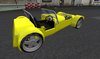
How to use this car:
It's really simple. Just rezz it and wait for the settings to load (you'll see a message that says "ready to go")
Sit in and the detailed parts will ask to attach, say yes or they will be left behind
Driving controls are:
W A S D or the arrow keys to drive
E or page up to change up a gear
C or page down to change down a gear
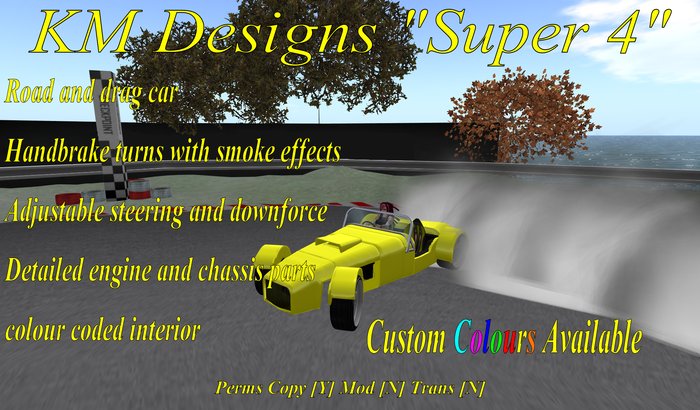
Handbrake - press shift while turning to skid/handbrake turn. Useful for making tight turns at speed.
Touch the car to access the menu. Menu options are:
Unlock / lock - lets other people drive
Road/ Drag mode - In drag mode the car will stop faster. Useful for the end of a fast run
Set return - sets the point for auto return
Return - returns to the set point
Align - aligns your car to the nearest 90 degree angle
Burnout - does a burnout
Rev - revs the engine
The options menu:
Part on/off - turns particles on or off
Sound on/off - turns sound effects on or off
Turn+ - increase the steering power
Turn- -decrease the steering power
DF + - increase downforce
DF- - decrease downforce
Delete - clears the car and attachment (quicker than taking both parts)
The Position menu:
Adjusts sit position by moving the vehicle
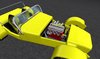
Touching the bonnet turns it invisible, so you can display the engine.
Additional colours are available for 200L$ extra each.
Veja o item no Second Life- road and drag modes
- adjustable steering and downforce
- detailed engine
- colour coded interior
- lots of menu features
