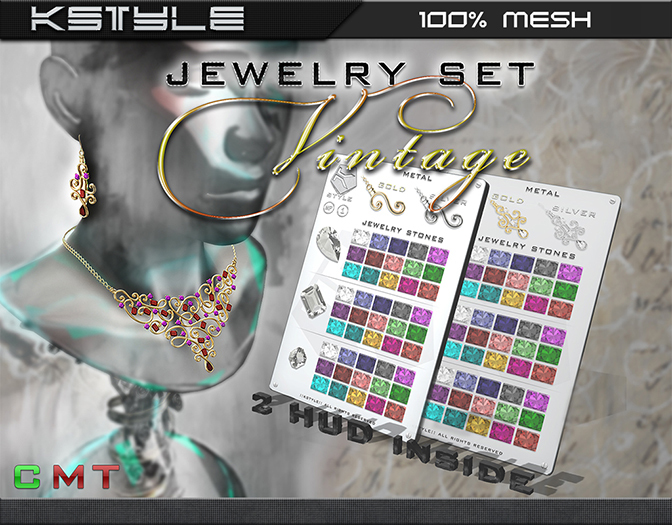


100% Custom Mesh
Package content:
☐ Modify / ☑ Copy / ☐ Transfer.
1.Earring ~Vintage~ [R]
2.Earring ~Vintage~ [L]
3.Necklace ~Vintage~
4. HUD Earrings ~Vintage~
5. HUD Necklace ~Vintage~
6. Info
1. Metal: Changes Metal Color (2 Options - Gold, Silver)
2. Each gem is designated icon to select each have 15 texture options
3. Full brightness: for all the products can enable or disable the full brightness. By default, full brightness is turned off. To enable the brightness you need to click on the empty cell next to the inscription FULL bright.
Please experiment and choose the option that works for you. Please note that if you are in midday settings, you may not see any difference when you turn Brightness OFF. The option works fine, you just have to switch to midnight or a low light environment to see the difference.
4. Glow: Use this option to Increase / Decrease glow on gems. By default, the glow off digit is equal to 0.00.
Graduation glow changes from 0.01 to 1.0. Reset Glow sets glow back to zero.
5. Resize: Choose this to make the piece smaller / bigger. Please use a pose stand (man icon) and wait for resize to complete before choosing another option. To reset the size, click on the icon to return
- Earrinrs [L], [R]
- Necklace
- HUD Earrings & Necklace
- Info
