Product Description.
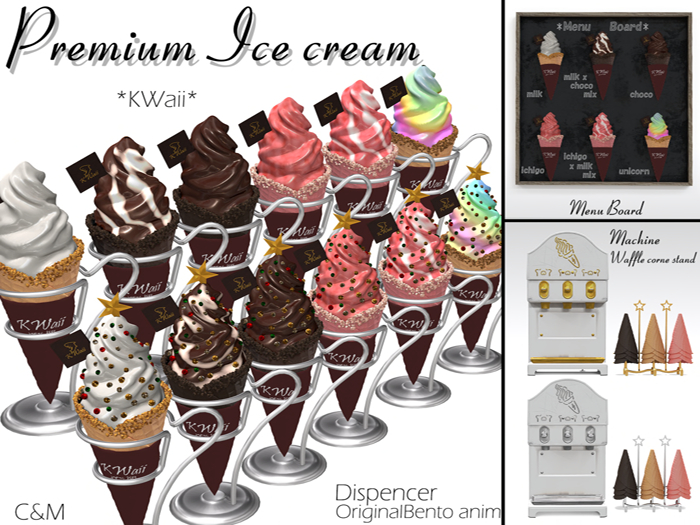
*KW*-Soft Serve Machine-Gold
*KW*-Soft Serve Machine-Silver
*KW*choco-C-stand
*KW*choco-stand
*KW*i&m Mix-C-stand
*KW*i&m Mix-stand
*KW*ice menu board
*KW*ichigo-C-stand
*KW*ichigo-stand
*KW*m&c Mix-C-stand
*KW*m&c Mix-stand
*KW*milk-C-stand
*KW*milk-stand
*KW*unicorn-C-stand
*KW*unicorn-stand
*KW*Waffle stand-G
*KW*Waffle stand-S
*KW*menu board
Photocopying allowed
How to eat
1) Touch the stand or the machine.
Touch the stand or the machine.
(3) Choose the flavor.
(4) A dialog box will appear asking if you want to put it on or not.
Click the left mouse button to remove it.
Product particulars】】
There was no ice cream that looked soft, so we made it.
We have made it because there was no ice cream that looked soft.
If you have any questions or requests, please contact us by both IM and note card,
If you have any questions or requests, please send both IM and note card.
*KWaii* owner wanntannmenn resident
See item in Second Life- Ice Cream
- tree
- Xmas