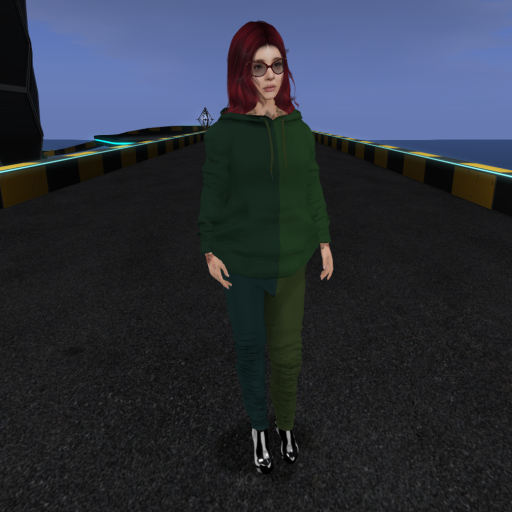


Yeah I'll get around to getting it photographed on a guy at some point :)
The Kranz RGB TrackSuit offers customizable color options for Gianni avatars. It allows you to showcase color combinations that gradually shift as you explore. With user-defined parameters like color saturation, luminance, color spacing, range, timer speed, and shift amount, you can create a personalized and dynamic look for your jumpsuit in the virtual world.
Instructions
====================================
Edit the description of the jumpsuit as follows:
0.3, 0.2, 0, 1, 2, 3, 0, 90, 30, 60, 0, 360, 0.1, 1
yikes!
Breakdown
Color Saturation (1.0)
The mix of whatever color against 50% gray. 1.0 is full color 0.0 is fully gray.
Luminance (0.75)
The Mix of whatever color against either white or black. Above 0.5 is mixing toward white. Below 0.5 is heading towards black.
The 4 Color Zones: 0, 1, 2, 3
These allow you to set what faces on the suit correspond to the color spacings coming up next.
The 4 Color Spacings: 0, 90, 30, 60
On the SL color selector across the top of the large square area is the full rainbow of hue. The hue can range from 0 to 360. These numbers specify how far from the base color each zone will be.
The Color Range 0, 360
Here you specify what range you want to show colors from on your jumpsuit.
The timer speed 0.1
This sets how quickly the timer runs at. with 1 meaning once a second. 0.1 will mean 0/10th of a second or 10 timer runs per second.
The color shift amount per timer run 1
This sets how many degrees to move each time the timer is fired.
- Gradually color shift as you roam the grid
- Configurable options for color ranges
- Look good in any setting
- Everyone will see your Mandela effect
- Original
