Ever been like...
"OMFG look at that!!"
"What?"
"That!! the blue guy! over on the wall!"
"What wall?"
"FFS, his names {{}{}__+_++{}}{"
"no idea, cant see him"
Well no more of that nonesense, Jemmas Basement brings you the LOOK & SEE Hud, to put it simply its a way to point in SL. You cam something. send the camera target out on your super secret pre chosen channel and your friends can see what you see!
Instructions:
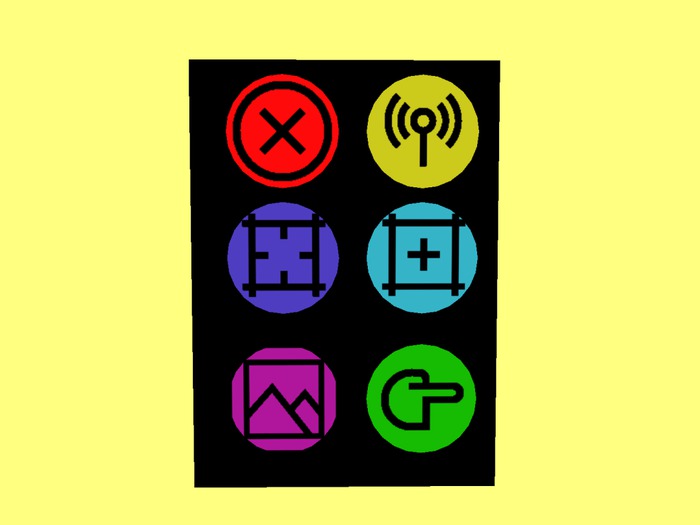
1. Red Button (X) : Resets your cam obvs.. like duh.
2. Yellow Button (radio): This sets your channel, this is the channel your huds will speak on. so make sure all our friends are on the same channel.
3. Blue and Light blue. Restore a saved camera position and save a camera position respectively.
4. Purple. See the last recieved cam position.
5. Green. Send your cam target to your channel.
- See what your friend sees
- Save a favourite camera position
- Share camera positions with a group of your friends
