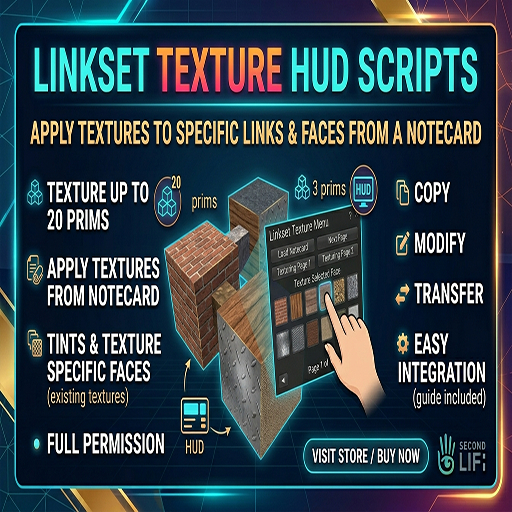

Lankest Texture HUD scripts:
NOTE BEFORE YOU BUY THIS :
this is only full perm scripts with basic prims to allow you create your own project!
feel free to ask for demonstration inworld.
This guide covers the project used to apply textures to specific links and faces from a notecard.
1. Setup the Object
Linking: Select your 20 cubes (select the Root last) and press Ctrl+L.
Script: Drop the Object Script into the Root Prim. It will say "Ready for Link/Face/Texture commands" in chat.
2. Setup the HUD
Notecard: Create a notecard named Textures inside your HUD.
Format: Write Name = UUID (e.g., Leather = 5748decc-f629-461c-9a36-a35a221fe21f).
Script: Drop the HUD Script into your HUD button. It should report "Loaded X textures."
3. How to Use
Select Prim: Click HUD, choose Prim 1–20 (use Next > for page 2).
Select Face: Choose the specific face (0–5) of that cube.
Select Texture: Pick a name from your notecard list. Use Next/Back to scroll.
Pro-Tips
Update Notecard: If you change the Textures notecard, the HUD will automatically reset to learn the new list.
Inventory Reset: If you give the HUD to someone else, they should click Reset on the scripts to update the Owner permissions.
p.s : i do custom scripting and projects
All the best
Spider Mycron
- Linkset Texture HUD Scripts
- Full perm
