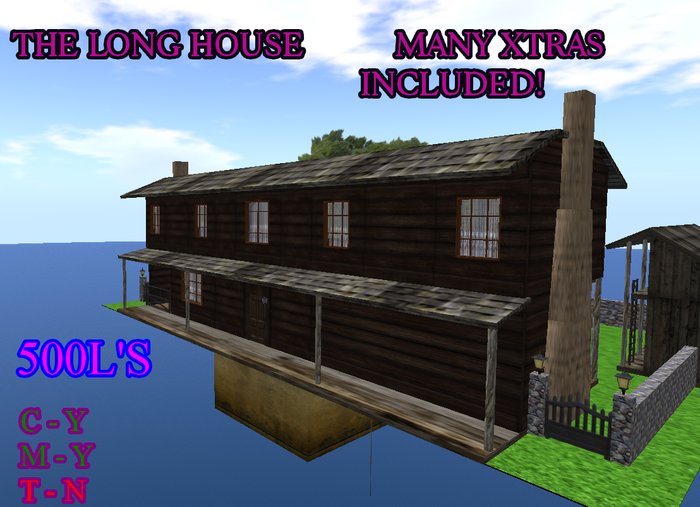
87 prims of spacious living for you and whomever you've got with you. 2 large rooms upstairs, and 1 downstairs, plus a spacious kitchen, and a root cellar! (The cellar doors are teleporters, and have access permission settings! Click the door to open it, then click the prim *black upstairs, stair texture in the cellar* to bring up the menu. Choose target to teleport and then click the prim behind the door. )
Orphanage Porch supports are 1 prim sculpties do not link them to the building.
Using the Rezzer
Rezz the Long House/Orphanage Rezzer and right click the box. Choose edit from the pie menu then click rezz from the menu that popped up in the upper right corner of your screen.
The build will rezz. Move the rezzing box to place, adjust, rotate, raise, or lower the build. When finished click save, or store and delete the rezzer as it's no longer needed.
*Build will rezz from the box in 5 large prims, House, porch supports, wall, barn, barn supports. After you position the build, using the rezzing box to move it, save and delete the rezzing box, if you wish to remove any part of the build you can do so at this time to cut back on prims.
Using the build straight from the box no rezzer, Rezz in edit, right click the ground or another object, choose edit from the pie menu, drag the Orphanage object from your inventory and move while in edit.
And Furniture! INcluded! Everything you need to get a good start!
See item in Second Life- Basement w/ Teleporter Door
- Working lights
- Furniture & props included
