

Details
Features
Contents
Reviews
Hi ! and thanks for your purchase ^^
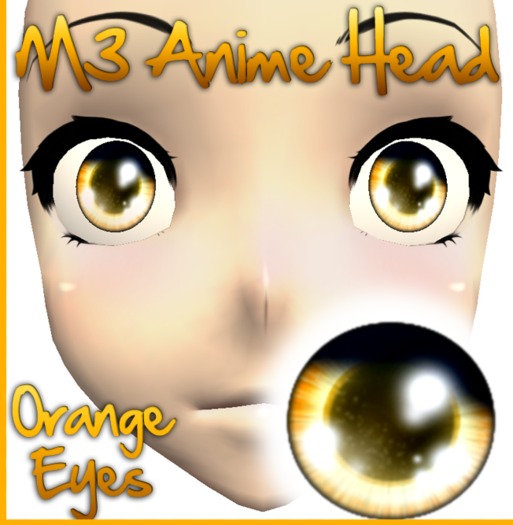
I made this textures for M3 Anime Head
How to use the applier :
Make sure you are wearing the latest version
of the M3 anime head, also make sure you are
wearing the HUD of the same version.
1. Open the options menu and click on the skin tab.
2. Rez the applier of the texture set you want on the
ground (only rez one applier at a time otherwise it
will not work)
3. Click the applier, you will get a menu, choose load
all, the texture will be loaded into the custom texture
preview window of your M3 HUD.
4. Click the Load custom textures button in the misc
options section of the M3 HUD options and you are done.
