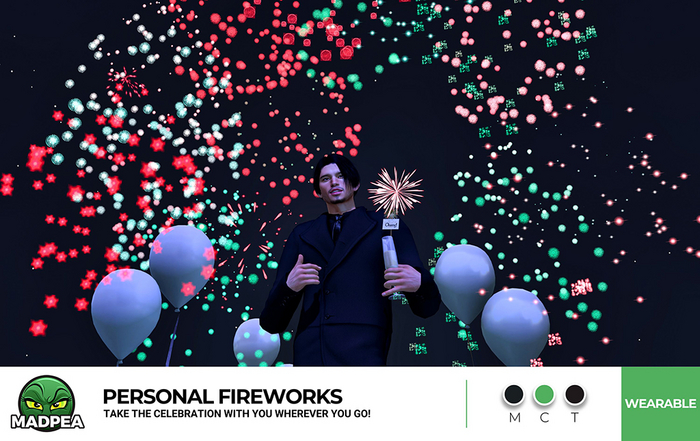

MadPea's Personal Fireworks let you take the festivities with you wherever you go!
To use your personal fireworks, add/wear both the fireworks and the HUD from your inventory folder and click on the HUD.
From this HUD you can choose a color palette for your fireworks, mute and unmute sounds, and even create a custom color palette.
When choosing a custom palette, the menu itself has detailed instructions to follow, but make sure to choose 'Save' when you are done.
Note: In the Multi Colors sub-menu, some buttons include an abbreviation so color names will fit on the buttons, using 'Wh' for 'white'.
Wearable
No Copy | No Modify | Transfer
▀▀▀▀▀▀▀▀▀▀▀▀▀▀▀▀▀▀▀▀▀▀▀▀▀▀▀▀▀▀▀▀
✄ Original mesh created by the MadPea team.
✄ All MadPea products are sold as-is. No change or alteration requests will be accepted at any time. MadPea does not currently take custom orders.
MadPea (c) 2024
See item in Second Life- Wearable particle fireworks.
- HUD menu driven sound and color options.
- Original mesh.


