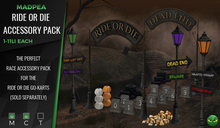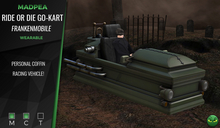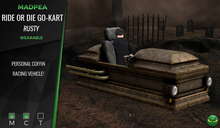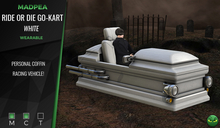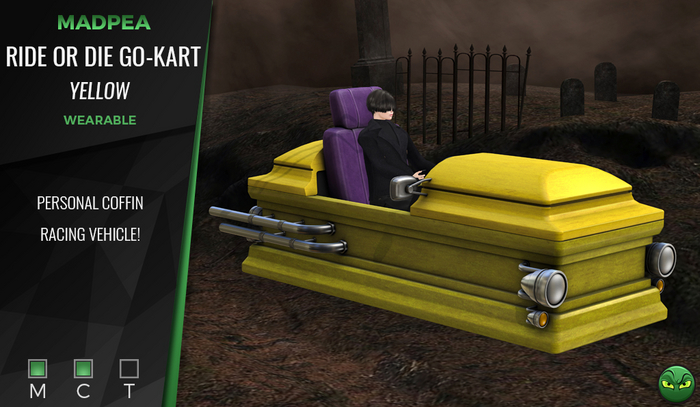
Have the spookiest race with the best ride in one of MadPea's Ride or Die Coffin Go-Karts!
To use, add/wear your kart, turn off or remove your AO, and click the kart for the menu. Default mode is 'ground', and will run like any other wearable vehicle. Choose 'speed on' to turn on your speedometer, which will show you how fast you are going. Sounds are on, by default, but you can choose to turn them off in the menu, as well.
Up arrow moves you forward/accelerates, down will decelerate. Right and left arrows will turn you. PgDn key is like an emergency brake, and will drop you back to ground mode.
If you choose to fly while in hover mode, you will be speed boosted, so be careful!
The karts take some getting used to, so practice and have fun with them!
Wearable
Copy | Modify | No Transfer
▀▀▀▀▀▀▀▀▀▀▀▀▀▀▀▀▀▀▀▀▀▀▀▀▀▀▀▀▀▀▀▀
✄ Original mesh created by the MadPea team.
✄ All MadPea products are sold as-is. No change or alteration requests will be accepted at any time. MadPea does not currently take custom orders.
See item in Second Life- Wearable vehicle.
- Hovers over the ground.
- Works with our Ride or Die Accessories Kit
- Original mesh.