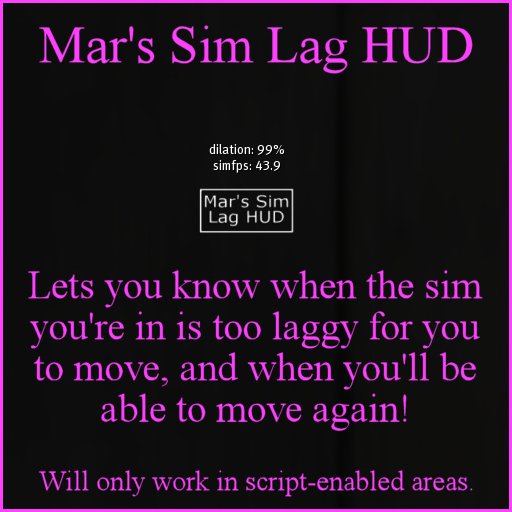

The Sim Lag HUD is a simple scripted HUD that attaches to the top of your screen and will tell you how well the sim you are currently in is performing.
Please note: The HUD will only work in script-enabled areas.
How to read the HUD:
The HUD has two simple readouts: dilation, and simfps. The closer that dilation is to 100% then the better the sim performance. Likewise, simfps in a healthy sim should be around the 35% - 40% mark. You'll often find that, for instance, when an avatar teleports into your sim, the dilation and simfps briefly drop right down. The same thing may happen when a lot of scripts are triggered in your sim.
If you attach the HUD and can't see it on your screen:
The HUD is designed to attach to the top HUD position, but you may not see it immediately. A quick way to find and re-position any HUD is to right-click-edit an existing HUD and then spin the scrollwheel on your mouse towards you. This will pull your HUD view back a bit, so you can see even the HUDs that have gone off-screen. Simply click the 'missing' HUD and you can then edit it wherever you want it.
This HUD comes in especially handy during busy events such as hunts, when you're trying to move but getting nowhere. Keep an eye on the HUD, and when you see dilation and simfps drop, don't bother moving. Wait until they rise again, and then you should be able to move again!
=============================================
Another fun freebie from the Del Mar Store: Freebies, cheapies, useful bits and bobs, changing rooms, free-to-use photo studio, newbie starter kits, lucky boards. Come pay a visit!
http://maps.secondlife.com/secondlife/Endicott/222/10/451
