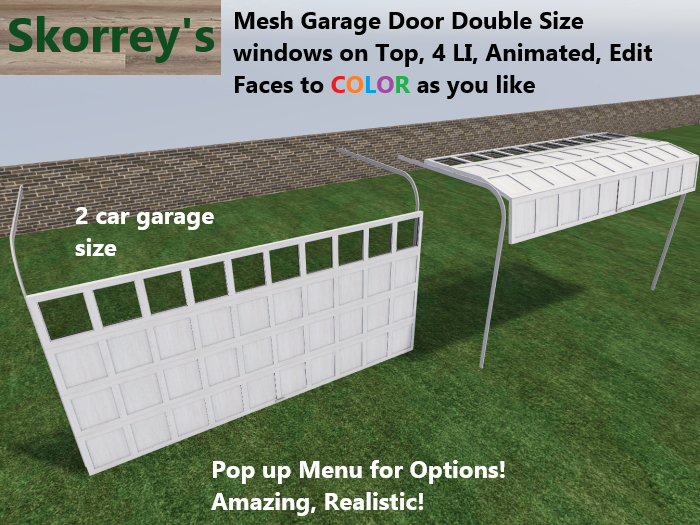
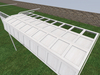
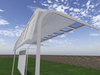
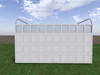


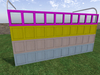
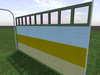

100% Created Mesh, Working, Fully Animated Overhead Garage Door.
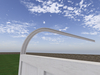
Click the door and WATCH the 4 panels glide up, follow each other around the radius of the track, and continue above your head into your garage!
You know… like a real overhead garage door!
***See my other Garage Door ads for more variations!***
Just enough detail to look FANTASTIC, but not too much — and only 3 PRIMS!
You will see the 4 panels, each their own mesh, follow each other up and around the track.
That’s exactly what I wanted for my own builds!
Four individual panels and two rails. Simple, clean, and it looks fantastic!
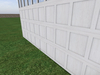
Even the handle on the bottom panel is its own face.
Each side of each panel is its own face, so you can Edit Face and color them however you want.
Like all my items, FULL Modify and Copy.
(Only the script is No Modify.)
IMPORTANT SETUP NOTE
The rail's prim MUST BE ROOT in this link-set.
If you place the door as‑is in your build, all good — you don’t need to link it to your building at all. But IF you choose to link it, This garage door link-set must be linked last, so the rails stay root (yellow).
DO NOT LINK THEM TOGETHER — they won’t work.
You get it!
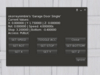
Pop‑Up Menu (Long Click, 2 seconds)
Here are your options:
SET X / Y / Z – Adjust global position of the panel assembly
SET ROT – Rotates the entire panel assembly (great for angled garages).
SET STOP – Adjusts how far the door travels when fully opened.
SET BOTTOM – Sets the floor height when closed (fix hovering/sinking).
SET SPEED – Total travel time in seconds (default 4.0).
TOGGLE ACC – Private (Owner Only) or Public (Anyone can click).
Resizing & Stretching for your building is EASY:
1. Stretch or shrink, use the gray corner handles so the whole door scales evenly to the Height you want.
2. Adjust width, use Edit Linked and stretch the 4 panel's width. Drag it and it will center, you will get it.
3. Fine tune if needed, with the pop up menu, remember, log lick 2 seconds.
You’ll get the hang of it!
Mess it up?
No problem — rez a fresh copy.
All my items are FULL COPY.
Want to tear it apart and build something else?
Go for it — we all love to build!
But support for that… you’re on your own! ;)
Come and Visit my FUN and Crowded with stuff store, see all my garage doors. Click them!
Thank you for supporting me and all small creators.
Skorreynimble of Skorrey’s
2‑8‑26
- Mesh 4 LI
- Animated just click the door
- Full Modify and Copy
- Pop out menu long click 2 seconds
- Realistic