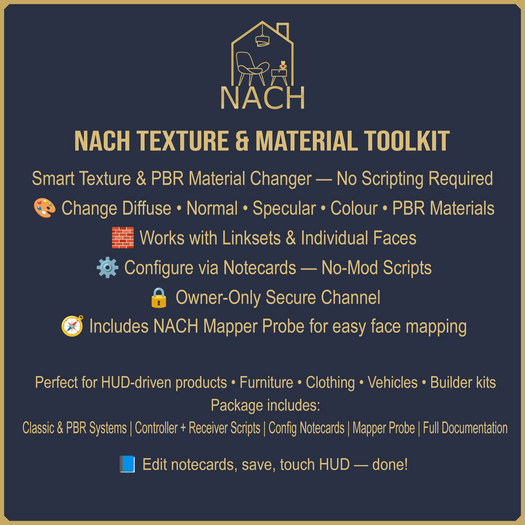

The NACH Texture & Material Toolkit is a full-featured, professional-grade system that lets creators easily apply and change textures or PBR materials on specific link numbers and faces — all without touching a single line of script.
Designed for builders, clothing designers, and interactive creators, this toolkit gives you total control using simple config notecards.
Perfect for HUD-driven products, furniture with style options, and multi-material builds.
✅ Classic Blinn-Phong System — change Diffuse, Normal, Specular, and Colour maps
✅ PBR System — apply complete glTF materials by name with optional Metallic / Roughness overrides
✅ Face Mapper Probe — discover exact Link and Face numbers instantly
✅ Dual Config Notecards — separate HUD and Receiver configs for simple setup
✅ Auto reload — edit notecards and save; no script reset required
✅ Owner-only security — protects content from external triggers
1. Drop Receiver script and Receiver Config into your target object.
2. Drop Controller script and HUD Config into your HUD button.
3. Edit the HUD Config to include your texture UUIDs or material names.
4. Use the Mapper Probe to find link and face numbers.
5. Ensure both configs share the same CHANNEL= name.
6. Touch the HUD to apply.
Comprehensive documentation included.
For assistance, updates, or additional systems, contact Birdie Littlepaws in-world
- Change textures or full PBR materials by name
- Works with single prims or multi-prim linksets
- Supports up to 8 faces per prim
- Everything configured via notecards
- Face Mapper Probe tool with copy-paste job lines
