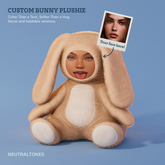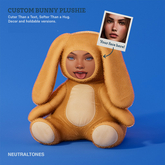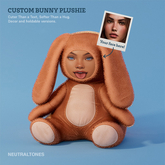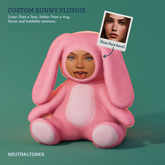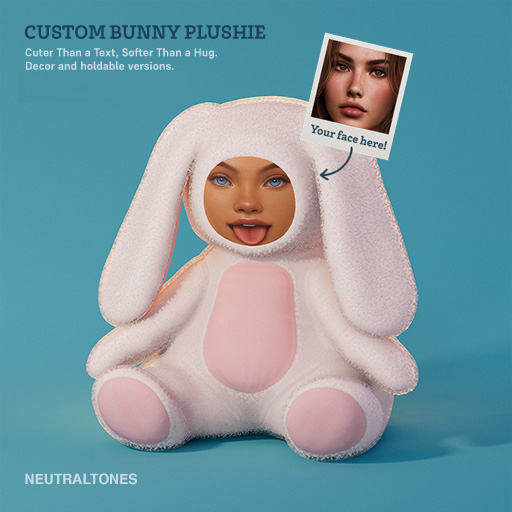

CUSTOM BUNNY PLUSHIE – USER GUIDE
Congratulations on adopting your Custom Bunny Plushie!
This little guy is ready to wear any face you choose — yours, your sweetie’s, your secret crush’s, or even someone mildly internet-famous. Let’s make it happen.
STEP 1: PREP YOUR FACE TEXTURE
Inside the folder, you’ll find two files:
PBR Material (preferred option for best results)
Face Texture PNG
Download the provided PNG to your computer.
Open it in your image editor (Photoshop, GIMP, etc.) and align your chosen photo (the face of your loved one, sweetie, or whoever you find dangerously attractive) with the provided outline.
Save your new image as a PNG.
Upload it to Second Life.
STEP 2: APPLY YOUR CUSTOM FACE
Option A – Using the PBR Material (Recommended)
Right-click the PBR material in your inventory → Open.
In the material editor, drag your uploaded PNG into the Base Color: slot.
Save the material.
Right-click your Bunny Plushie → Edit → Select Face (from the Build menu).
Click the bunny’s face area to select it.
Go to the Texture tab and drag your edited PBR material onto the face.
Adjust Offset and Scale if needed to align the face perfectly.
Option B – Using the Basic Texture (Blinn-Phong)
Right-click → Edit → Select Face → click the face.
In the Texture tab, replace the existing PNG with your own uploaded face PNG.
Adjust Offset and Scale to align.
TIPS & DON’TS
DO use square images for best alignment.
DO adjust texture offset/scale if the face looks misplaced.
DO NOT panic if your loved one’s forehead looks stretched — adjust scale.
DO NOT drag both versions out at once (you’ll confuse your inventory and your bunny).
STEP 3: CHOOSE YOUR VERSION
Custom Bunny Plushie comes in 2 styles:
Rezzable Decor Bunny → Drag and drop on the ground like furniture.
Holdable Bunny → Right-click in inventory → Add to hold it in your arms.
FATPACK EXTRAS (if applicable)
If you have the Fatpack, there’s a color HUD with 6 bunny fur colors.
THANK YOU!
You now own a Custom Bunny Plushie that looks like someone you care about (or perhaps someone who’ll be very confused).
Enjoy responsibly.
— With love, NeutralTones