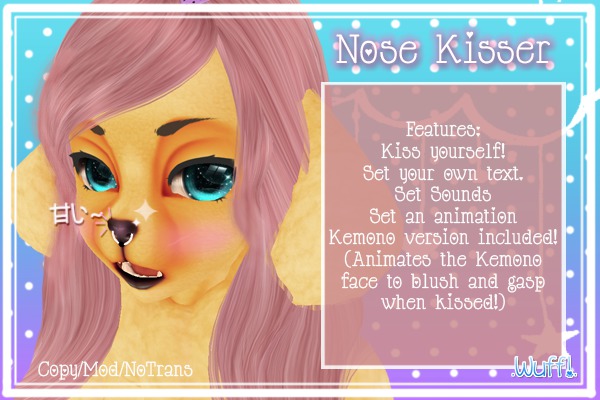
NOSE KISSER! WoaH!~
Simply find it in your inventory and wear. It is by default attached to the nose, and may need some adjusting. Detaching it to edit will automatically make it visible, and attaching it again will make it invisible. Touching it will give you a menu with many options; each button is described below:
- Kiss: For kissing yourself
- Set Text: For setting the text that will be displayed when somebody clicks your nose. More on this later
- Set Sound: For setting the sound that will be played when your nose is clicked. Plays a sound in object inventory or a UUID (Universally Unique Identifier)
- Set Anim: For setting the animation that will be played when your nose is clicked. The animation must be in the object's inventory or it will silently fail
- Reset: Resets the script to default settings
- + Kemono and - Kemono: Turns Kemono mode on or off. If you are wearing the Utilizator Kemono head, it will blush and change facial expressions
- Stop Anim: Stops the set animation if you set one that loops
- Cancel: Closes out of the menu
Thanks for looking!


Yaaas
I love this thing. It's cute, it has customizable text (with a little legend for you!!,) I love the kemono mode. I can't quite figure out the animation, but I actually think it's just because I'm inept, not because it's broken, so I'm not deducting a star. :>


