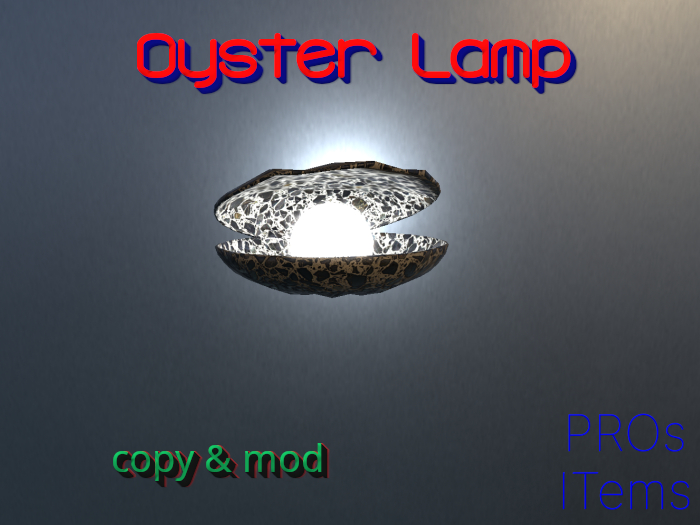
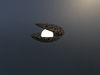
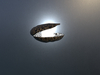

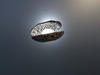
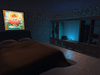

Oyster Lamp.
Touch to turn on/off light.
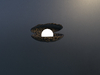
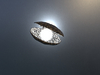
Naturally light is more visible by night and in dark places.
Click last pic above, to see how this lamp illuminates a place.
⚡ Mesh
⚡ Copy & Mod
⚡ Land Impact 1 (increasing when stretched)
⚡ PBR & Blinn Phong Textures
You can modify lighting parameters directly in the script, following the suggestions typed in red and, in case, from SL Wiki: https://wiki.secondlife.com/wiki/Category:LSL_Light
Second last picture is an example of changed color of lamp texture and light. To modify the texture, choose same tint in PBR Tab. To change color of light, modify the "vectorlight color" in the script, accordingly to the LSL Colors: https://wiki.secondlife.com/wiki/Category:LSL_Color.
Clearly it might sound uneasy for starters, but one of the purposes of PROs ITems is to improve users' skills.
Created using Textures from AmbientCG.com, licensed under the Creative Commons CC0 1.0 Universal License.
NB All the pictures show PBR Textures.
See item in Second Life- Mesh
- Copy & Mod
- Land Impact 1
- PBR & Blinn Phong Textures
- Emitting light
