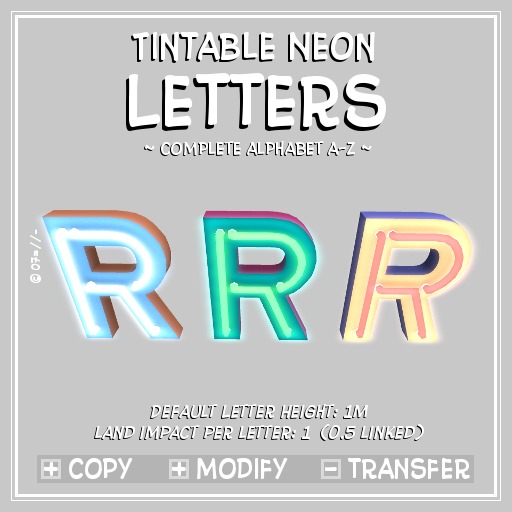


This set of vintage neon letters gives you a fashionable way to advertise your venue or just let your neighbour know your name - day and night.
The letters are tintable to your liking (using different 'faces' for the tubes, front and sides) and are clear and bright and well readable even from a distance and in night settings. (The 'illumination' is achieved with a balanced mix of light, glow and full bright)
The pack includes the complete alphabet from A to Z and a tinting example;
the letters have a default height of 1m, were modeled in Blender (billboarded for LOD 0) and count with a land impact of 1 for a single letter (linked they decrease to 0.5), and they are +copy - so no limit to their usage.
NOTE: the letters have no 'backside', as they are not intended to be free standing, but mounted on walls or against a board as backdrop;


A+
Expensive firstly,
then finally, when compared to the low price kits totally bugged with distance ... its the best
All letters are editable and its possible to keep only the neon signs, I don't regret to get it.
A great furniture for my work
Worth Every $L
The letters are versatile, high quality, maintain their definition at long distances and are so easy to work with. Because you can modify them, I added a simple script to some of the letters to make them appear blinking. The detailing on the letters is very realistic and the neon tubes are very well made. At first I hesitated, "Do I want to spend this much on neon letters?", but I'm so glad that I did. Highly recommend these!
Worth the detailing

The directions are kinda limited. So if you are new to SL with this type of product be sure to contact. Basically you need to work with this product out of your editor. i.e. from the producer, the letters are linked together for convenience; like any linkset in Second Life, you can unlink any linkset with right click -> Edit: tick 'Edit Linked', left click the letter and press the [Unlink] button in the build window;

