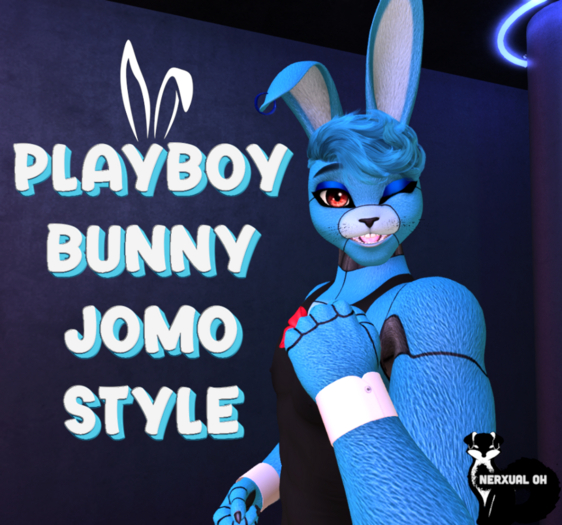


⚠ Reviews are based on the product itself, that is what they are meant for. ⚠
✖ Copy/Mod Only
✖ Notecard to help out
✖ 2 textures
tokyorii says:
You have to first :
1. REZ the body out
2. apply the texture
3. Switch to ALPHA Blending
4. Take it back
5. Wear both the ORIGINAL body and the newly alpha blending body at the same time
6. Enjoy :D
Moderate editing skills recommended! If you can edit each part, select face, you're good!
Video of me applying the skin - https://youtu.be/0yjlqU8ZVws
Or this extra one - https://www.youtube.com/watch?v=pJybTbap3S0
⚠ I made this texture with the JOMO Male Rabbit in mind! ⚠
P.S: To avoid excessive script usage, you might wanna delete any scripts in your tattoo body to help lower the lag. Keep a backup, just in case.
P.S.S: Want something in mesh? Blender is FREE, looking up tutorials on youtube is FREE, JOMO devkits inworld are FREE. We need more original content creators in SecondLife. The resources are there!


