Ever found standing in a crowded place and staring at the back of your head boring? Well, this super simple HUD will make any situation more interesting.
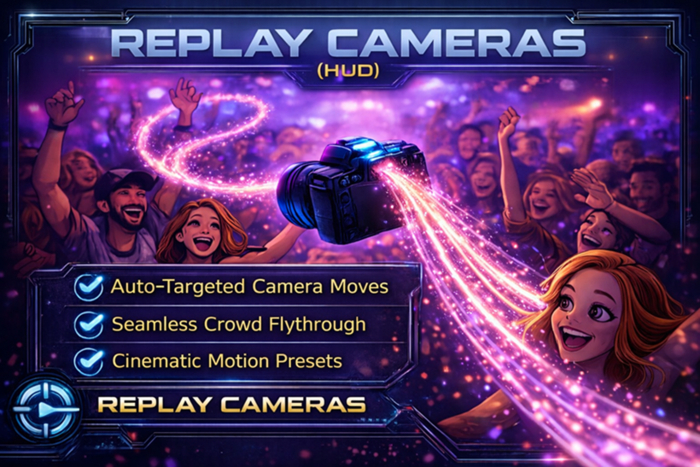
Whether you're standing at a club or spectating a high energy sporting event, the Replay Cameras HUD will give you a new perspective of the world as it it mimics real life camera movements.
How Does It Work?
** Turn it on
** Choose a scan radius (this defines the range in which avatars will be considered)
** That's it!
Your viwer camera will then dynamically cam around everyone around you (within SL and draw distance limitations) in a variety of game replay-style camera moves, whether they are standing still or moving. This is helpful if you need photo inspiration or if you just want the world to look a bit more cinematic while you're socializing with friends. If messing around with the SL camera controls is the frustrating part of your photography needs, this is the HUD for you.
Camera modes include:
* Jib shot (tracking head to toe), with and without face focus
* Dolly shot (tracking towards and away from avatar), with and without face focus
* Truck shot (sliding alongside avatar left/right), with and without face focus
* Gimbal/follow shot (dynamically follow avatar from various sides)
* Track shot - watches the avatar wherever he or she walks around the region from a fixed position
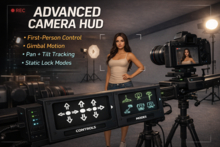
-- For more advanced features, consider purchasing the Advanced Camera Tools (HUD) also in the MP store which will give you fine controls and manipulation across many modes --
- View the world like a computer game replay
- Multiple camera modes
- Automatically moving camera to make scenes more dynamic
- Cinematic presets
- Pause/Resume for photos