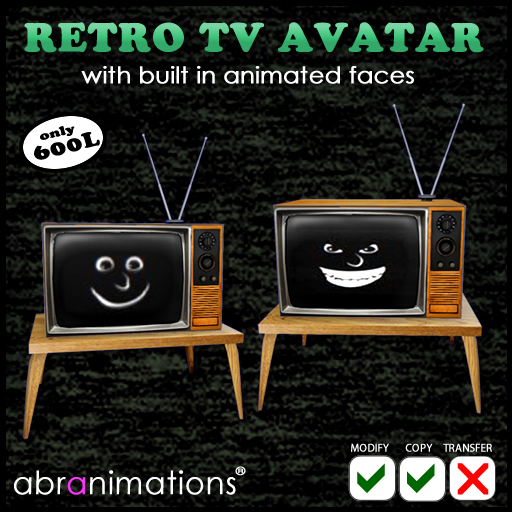

This has to be the oddest of avatars and lots of fun.
Retro TV Avatar Instructions
This is a rigged mesh Retro TV Avatar
To wear this avatar right click on it in your inventory and select wear. Make sure you also attach the Alpha Mask to hide your regular avatar and the included TV Avatar Shape to make sure your avatar has the correct shape.
CHANGE CHANNELS
You can change the tv channel to one of the built in settings with the chat command /99channel
This will display an options menu allowing your to change face expression or set the screen to a static screen or cat piano meme :)
SET YOUR OWN ANIMATED TEXTURE - ADVANCED USERS ONLY
This feature is designed for people familiar with SL scripting and specifically animated textures. If you have a texture suitable for animating in second life you can set it to the screen. To do this create a suitable texture in a grid of frames and make a note of its UUID (right click on it in your inventory and select copy UUID. All textures should be assumed to play at 10 frames per second.
Then use the command in chat.
/99texture:[UUID]:[COLUMN]:[ROWS]:[START FRAME]:[END FRAME]
[UUID] should be replaced with the uuid of your texture
[COLUMN] with the number of columns in your texure
[ROWS] with the number of rows in your texture
[START FRAME] with the first frame in your animation. (usually 1)
[END FRAME] with the last frame in your animation.
EXAMPLE
/99texture:c65f3ab9-b2a3-2606-0846-0edf874d1bbe:5:8:1:40
- Change channel options
- Multiple facial expressions
- Animated memes
- Set own animated textures for advanced users


