
Details
Features
Contents
Reviews
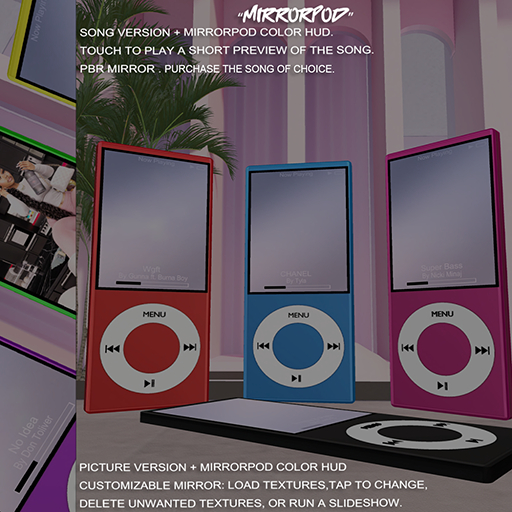
Touch the MirrorPod to play a short preview of the song.
Touch The MirrorPod To Get Resize Hud.
PBR Materials have been used for realistic visuals.
Use the MirrorPod HUD to customize your pod’s color.
Picture Screen - Add Image Into Black Area For Perfect Fit
Use the MirrorPod HUD to customize your pod’s color.
Touch The MirrorPod To Get Resize Hud.
How to use:
Touch the Mirror → Menu appears.
Add Texture → Paste a texture UUID → Texture is applied.
Apply Texture → Click a texture from the menu → Changes Mirror texture to selected texture.
Delete Texture → Remove unwanted textures.
Slide ON / OFF → Start or stop automatic texture sideshow.
Notes:
Max 8 textures.
Only valid UUIDs work.
