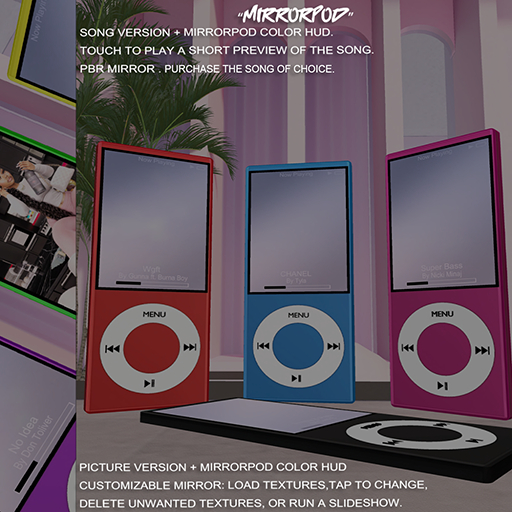

Details
Features
Contents
Reviews
Picture Screen - Add Image Into Black Area For Perfect Fit
Use the MirrorPod HUD to customize your pod’s color.
Touch The MirrorPod To Get Resize Hud.
How to use:
Touch the Mirror → Menu appears.
Add Texture → Paste a texture UUID → Texture is applied.
Apply Texture → Click a texture from the menu → Changes Mirror texture to selected texture.
Delete Texture → Remove unwanted textures.
Slide ON / OFF → Start or stop automatic texture sideshow.
Notes:
Max 8 textures.
Only valid UUIDs work.
