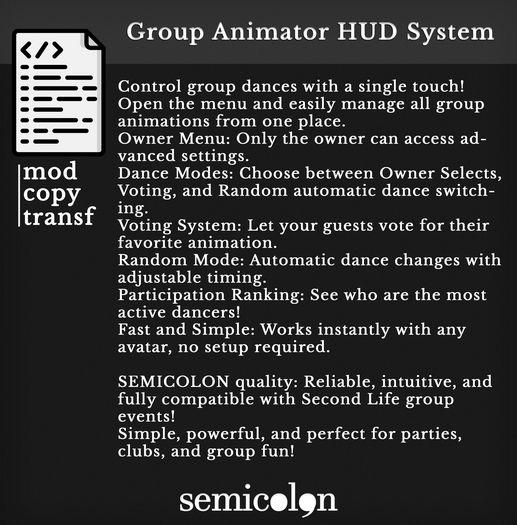

# Semicolon Group Animator — Quick Guide
### How to Use
**1. Start/Stop Dancing**
- **Any user:** Click quickly (touch) on the object to start/stop dancing the current animation.
- If the animation is random, clicking always plays/stops the latest random animation.
**2. Access Owner Menu**
- **Owner:** Click and hold (>1 second) to open the configuration menu.
---
### Owner Menu Options
- **Owner Selects:** Choose a specific animation for everyone.
- **Voting:** Start a voting round — users can vote on their favorite animation.
- **Random:**
- Opens a submenu:
- **On:** Activates automatic random animation (changes every X seconds).
- **Off:** Stops automatic random switching — last random animation remains.
- **Time:** Set how many seconds between random animation changes.
- **Ranking:** Toggle to automatically show the participation ranking in local chat after voting/animation changes.
---
### Additional Info
- **Participation Ranking:**
Shows how many times each user has danced or voted.
- **Changing Animations:**
Owner can select any animation (in object inventory) when using "Owner Selects".
- **Voting:**
When voting is active, users click quickly to open the voting menu and select their animation.
---
### Notes
- To add animations: drop the animation assets into the object’s inventory.
- All menus and messages will be in English (as per script code).
- Script credits: SEMICOLON / coded by MinsooNui
---
Enjoy group dancing with full control!
