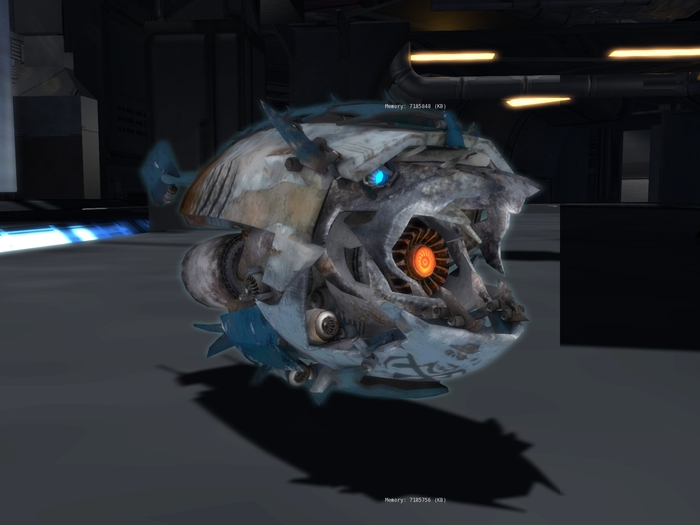
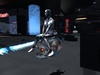
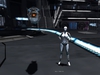
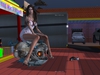
The Shark Drone.
[ ATTACH / RIDE / FOLLOW ]
Unique hovering robot drone that not like the others.
< View Video Below>
Feature
=========
- Hover and follow the chosen avatar.
- Adjustable hover distance and height from avatar
- Ride the drone and control with keyboard
- Attachable to your avatar and bring it everywhere with you.
- Security (lock/unlock) allow/not allow the other to control your drone.
# Updated much more feature will be released soon
Instruction:
==========
[ Follow Avatar Feature ]
- Rezz the shark drone (you must have permission to allow object on the land)
- touch the drone to open dialogue menu.
- choose [ Follow ] button
- choose avatar name in the list to follow (avatar must be in the range 10 m distance)
- the drone will hover next to the chosen avatar
[ adjust hovering position ]
- touch the drone to open dialogue menu.
- choose [ Follow ] button
- choose [ Adj Pos ] button
- touch +X,-X,+Y,-Y,+Z,-Z button to adjust the position
- after done, choose Avatar to start following once again
[ Ride the shark drone ]
- Rezz the shark drone (you must have permission to allow object on the land)
- Right-click drone and choose Ride
- Use the keyboard to control the drone
W - hover forward
S - hover backwards
A - turn left
Shift+A - hover left
D - turn right
Shift+D - hover right
E - hover up
C - hover down
[ Attach drone ]
( no rez object permission needed)
- open the inventory
- right-click the shark drone and choose "add"
- the drone will be attached at the "avatar centre position" and hover over your avatar (cannot adjust hover position)
[ Security ]
- LOCK = only the owner can operate the drone.
- UNLOCK = allow the others to operate the drone
============================
# need help please IM or send me Notecard.
Thank you.
ビデオを表示 »- High detail low prim
- Automatic follow chosen agent
- Ride & Hover
- Attach and bring ti everywhere with you
