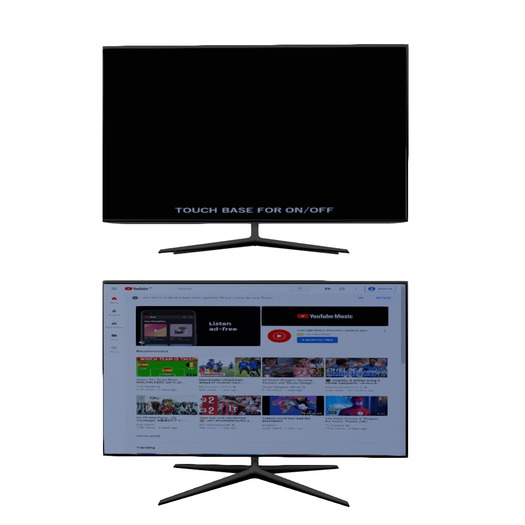

In the box are 2 TVs. One can be controlled by anyone, including on/off, the other controlled only by the owner.
Add the box, don't rez it, to unpack.
This television is a very simple one.
1. Rez television, anywhere you can rez. There is no need to deed it.
2. Click the base to turn it on.
3. Either use the on screen display or the navigation bar on the top to use.
4. Click the base to turn it off.
To resize, do the normal right-click and edit, then select "Edit Linked" in the build window and resize each of the three parts separately: base, back and screen.
FAQ
Q - My TV seems to be stuck with a white screen and blank navigation bar.
A - You don't have media set to autoplay. Simply click the TV screen or the home button on the navigation bar.
Q - I can't play some videos on some sites.
A - That is a limitation of most TVs I have seen in SL that aren't designed specifically to do so, sorry.
- Youtube
- Web Access
- Can turn on and off


thank you
this really what i needed the screen is dark but if you edit it and click Fulbright it fixes other than that i love it!!