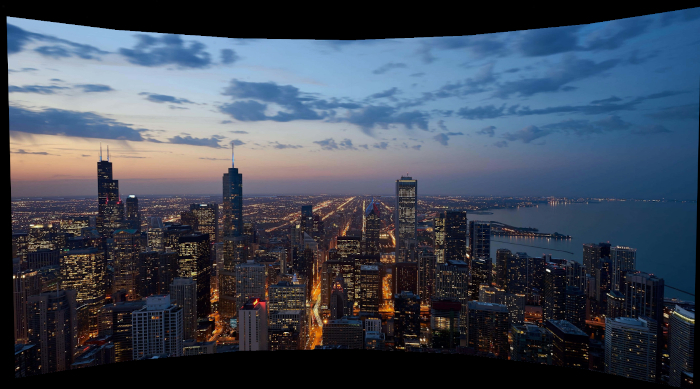
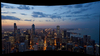
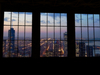
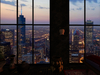
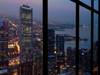
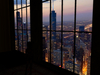
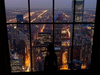
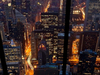
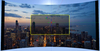

UHD : Ultra High Definition photo
WARNING: This may have high impact on your video memory usage.
4096X2048 picture
★ PICTURE BLUR PREVENTION SYSTEM ★
A transparent layer in front of your window/view LINKED to the panorama, will PREVENT the external image to blur.
(or use Singularity Viewer, that NEVER blur images)
The panorama object has this size:
50 mt depth , 64 mt width, 22 mt height
To position the object inside your parcel the X,Y center of the object MUST fall inside your land.
Quick positioning:
0. Rotate the Skyline to match the direction of your window
1, Edit your skybox
2. In the Edit window, aside Position values, click C (copy)
3. Edit the Skyline
4. In the Edit window, aside Position values, click P (paste)
5. Move the cityscape oudside your window BUT keep the almost transparent screen inside, in front of the window
Having this part inside and next to you will prevent the external picture to blur. In case It blurs, just hover your mouse pointer over the window/view and the picture will return clear.
You can highlight the transparent with Ctrl+Alt+T to make positioning easier.
To add depth (realism) you can resize separately the 9 parts of the object up to 64 mt, keeping in mind that the center of the object must fall inside your land, and if you position your panorama too far, you will see its borders, losing the optical illusion effect.
The window part, has a script to change transparency on touch.
You can remove if not used.
Enjoy!
Afficher la vidéo view_wishlist: Voir et partager votre liste de souhaits »- 4096X2048 picture
- Picture blur prevention system
- 50 mt depth , 64 mt width, 22 mt height