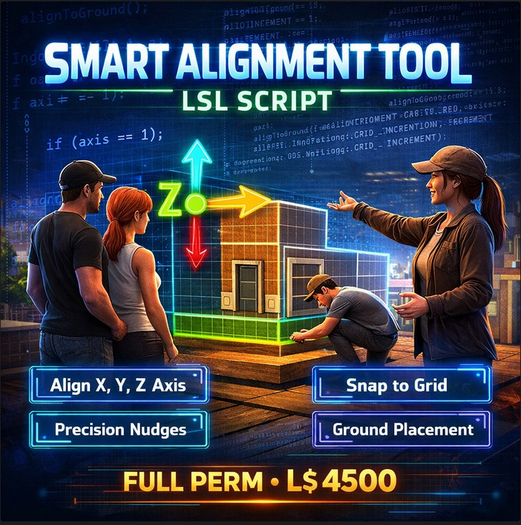

The Smart Alignment Tool is a powerful LSL builder utility designed for creators in Second Life and OpenSim who want faster, cleaner, and more precise object positioning without the usual frustration of manual adjustments. Building in virtual worlds often means constantly nudging objects, correcting uneven placements, and trying to keep structures perfectly aligned to a grid, especially when working with complex linksets or detailed decorative builds. This tool removes that struggle and replaces it with a simple touch-based control system that lets you align objects instantly along the X, Y, or Z axis, snap positions to adjustable grid increments, place objects directly on the ground with accurate terrain detection, and perform micro-movements with precision nudging. Once the script is dropped into any prim, the system activates automatically and displays a touch menu that gives builders full control over alignment actions. From the main menu, users can instantly align objects to world axes, which is extremely helpful when constructing buildings, arranging furniture, organizing decorative props, or positioning complex structures. Instead of manually dragging objects and hoping they line up correctly, the script calculates the nearest grid value and snaps the position perfectly according to the selected increment. Builders can switch between multiple snap increments such as 0.10 meters for detailed adjustments, 0.25 meters for standard grid alignment, and 0.50 meters for large structural builds where spacing consistency matters. The tool is designed to work seamlessly with both single prim objects and full linksets, meaning the entire structure stays intact while the root prim adjusts position and the child prims automatically maintain their relative placement. This makes it especially valuable when editing complex builds like houses, stage setups, shop displays, furniture collections, or decorative scene elements where maintaining structural integrity is essential. In addition to grid alignment, the script includes a ground placement feature that instantly positions an object perfectly on the terrain surface, eliminating guesswork when placing items outdoors or adjusting objects to match landscape height. The system also includes a dedicated Precision Mode that enables extremely small movements for builders who need pixel-level accuracy. When Precision Mode is active, the nudge step becomes very small, allowing the object to be moved by tiny increments along the X, Y, or Z axis. These directional controls allow builders to fine-tune placement with simple menu clicks instead of trying to drag objects with the mouse. Another helpful feature is the built-in axis visualization system that displays a particle guide showing the direction of alignment. This visual indicator helps users immediately understand which axis is currently active and provides clear feedback when the object moves or snaps to position. The effect appears briefly whenever alignment or movement occurs, giving a quick reference without cluttering the build environment. The script was designed with efficiency in mind so builders can focus on creativity rather than technical placement issues. Whether someone is constructing an entire building, aligning walls, setting up a shop display, decorating an event stage, arranging furniture in a house, or placing props in a scene, the Smart Alignment Tool speeds up the entire workflow and ensures consistent professional results. The system also includes a reset function that returns the tool to its default configuration, restoring the original grid snap size and turning off precision mode, making it easy to start fresh at any time. Because the script is delivered with full permissions, creators can modify, customize, or integrate it into their own building tools, vendor systems, or scripted objects. Developers can expand the functionality, adjust alignment logic, or include it in commercial products. Builders who sell prefabs or furniture may also use the script as part of their workflow to guarantee that products are perfectly aligned before packaging them for sale. The Smart Alignment Tool is lightweight, efficient, and simple to use, yet extremely powerful for anyone who regularly builds in Second Life or OpenSim. By combining automatic grid snapping, axis alignment, terrain placement, precision nudging, and visual feedback into one easy-to-use system, this script becomes an essential addition to any builder’s toolkit. Instead of wasting time correcting object placement, creators can work faster, keep their builds perfectly aligned, and maintain professional accuracy across large structures and detailed decorative elements. Whether you are a beginner learning how to build or an experienced creator working on complex environments and here is the solution .
- • Instant X, Y, Z axis alignment
- • Adjustable grid snap increments (0.10m / 0.25m / 0.50m)
- • Precision nudge mode for micro adjustments
- • Works with single prims and full linksets
- • Ground placement + visual axis guide