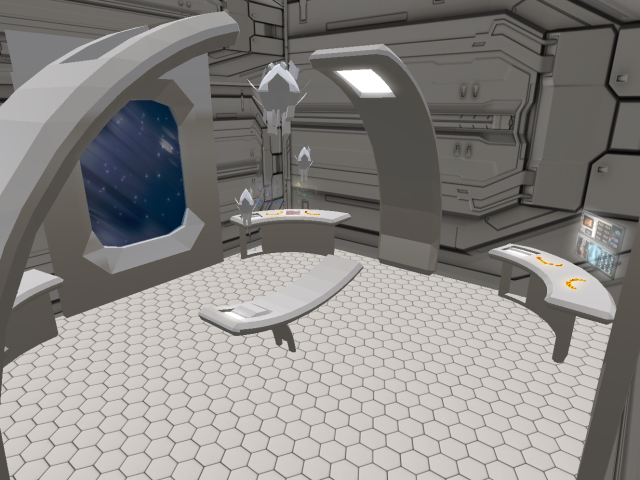
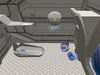
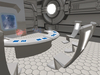
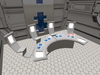
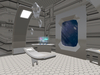
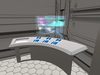
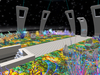
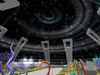
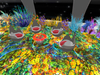
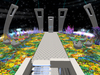
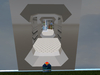
The Space Hospital two-story skybox. On the lower level there is a consilium room, an operating room, two hospital wards, an airlock, corridors, and a staircase to the second level.
Doors open by clicking on them. The doors close automatically after 5 seconds. Furniture has one animation per item, and you can replace the furniture with your own.
At the top level there is a power dome, a garden with alien plants and recreation areas. You can also replace furniture and plants with your own.
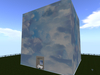
The entire skybox is surrounded by walls with a clouds texture on the outside and an animated space texture on the inside.
A landing pad or ship can be docked to the airlock. You can use the hospital as a separate skybox and as a medical unit of a large space station (connect the gateway with a corridor to the station).
You are offered an additional REZZER skybox without furniture and a garden if you want to fill the hospital with your furniture and decorations.
Size - 31 x 31 m
Land impact full furnished, with garden - 238 prim
Land impact without furniture and garden - 108 prim
------------------
Skybox installation instructions:
Create a temporary platform at the height you want. Lay out a REZZER on it and place it in the middle of the border of your plot, at the edge of the platform (if your plot is 1024 m), or wherever it suits you. The arrow on the REZZER indicates the direction in which the building will appear. Click on the REZZER and select "Rez" from the menu that appears. Wait for all the elements of the skybox to take their places. When the skybox appears, move the REZZER to position the skybox the way you want. When all operations are complete, click on the "Save" in menu. After that, remove the REZZER and enter the skybox.
