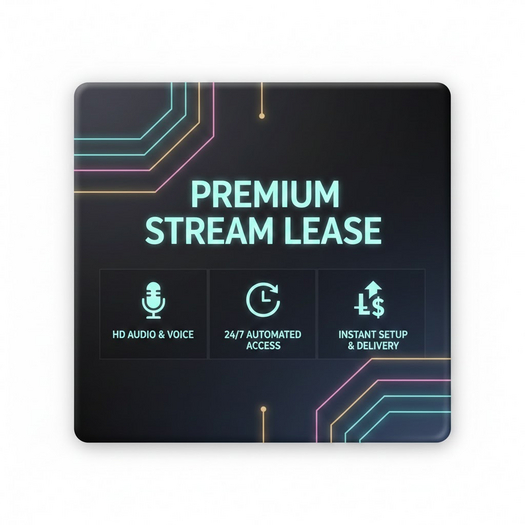

Stream Lease System | User Guide
This system provides an automated solution for managing stream access, ad space, or shoutout durations. It handles payments, time tracking, and notifications automatically, ensuring a seamless experience for both the provider and the patron.
Key Features
Automated Time Calculation: Calculates lease duration based on the L$ amount paid relative to the base price.
Session Protection: Once a session is active, the system locks to the current patron. If someone else tries to pay, they are automatically refunded.
Live Status Display: The object’s hover text and texture update in real-time to show the current patron and time remaining.
Multi-Channel Alerts: Sends expiration warnings via Instant Message (IM), Dialog pop-ups, and Email notifications.
Auto-Delivery: Automatically delivers an instructional Notecard to the patron immediately upon payment.
Owner Management Console
Accessed by clicking the object (Owner Only).
Button Function
Set Price Change the weekly rental cost via text box.
Set Email Update the email address where you receive expiration alerts.
Show Time Displays the exact remaining time in your local chat.
+1 Week / -1 Week Manually add or remove time from the current session.
Expire Forcefully end the current session and trigger the "Expired" status.
Reset Fully wipes all data and restarts the script to default settings.
How It Works for Patrons
Check Availability: If the floating text says "AVAILABLE", the system is ready for a new session.
Payment: Right-click the object and select "Pay". Select the number of weeks you wish to purchase.
Activation: The system will immediately turn green, show your name, and start the countdown. You will receive an automated Notecard with further instructions or stream links.
Renewal: If you are the current patron, you can pay again at any time to extend your session.
Technical Specifications
Refund Safety: The script requires Debit Permissions to handle refunds for accidental overpayments or secondary payers during an active session.
Warning Trigger: A notification is sent to both the owner and the patron when the lease hits the warning threshold (default: 24h or as configured in the variables).
Auto-Cleanup: Once the lease expires, the texture changes to an "Expired" state to alert the owner that the space is ready for a reset or a new tenant.
- script
- stream
- radio
- fun
- entertain
