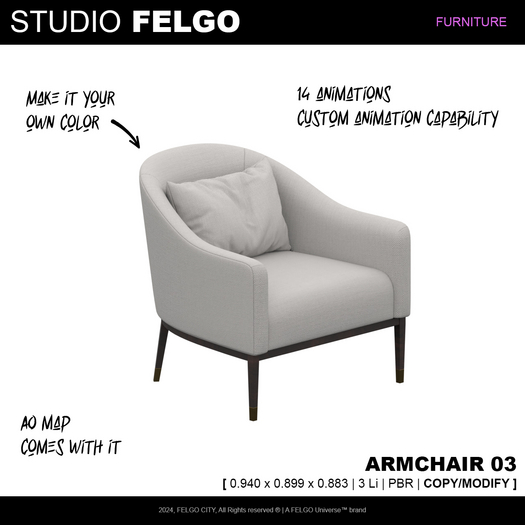

[ Description ]
Armchair with 14 animations, PBR materials and custom animation integration possibility
[ Features ]
- PBR
- Animated
Studio FELGO // Armchair 03
[ 0.940 x 0.899 x 0.883 | 3 Li | PBR | COPY/MODIFY ]
[ Utilization manual ]
A/ Sit on your armchair
Simply left click the armchair to sit on it
B/ Use its animations
Left click the armchair again after you sit on it to show its menu
Click on the "Animations..." button to choose between the different animations
C/ Adjust animation location and rotation
Left click your object and click on "-- Adjust --" to adjust your position
D/ Use your own poses and animations
Use second life building tools to view object's content
You will find a notecard "! SWISYS Positions" and the rest of the animations that come with your object
Drop your new animation inside of the content of the root object and open the notecard to set up its position and rotation as such :
ex : J_Stand_01^any^<0.0, -0.5, 1.1>^<0.0, 0.0, 90.0>^none
"Animation name^any^position^rotation^none
E/ Adjust Colors
Your can adjust the colors of your object using the edit menu manually as it comes in modifiable rights.
https://felgouniverse.com/
2024, Studio FELGO, All rights reserved, A FELGO Universe™ brand
- PBR
- Animated
