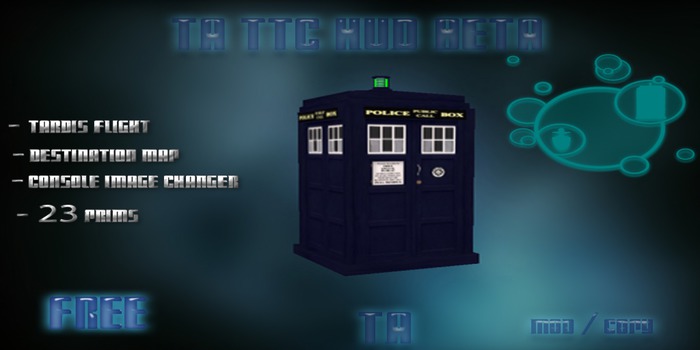

~~~~~~ TA TTC HUD BETA ~~~~~~
Thank you for Buying/Acquiring this product, this notecard will guide you through the functions and options of this HUD/Exterior.
~~~~~ Table of Contents ~~~~~~
1A. Flight
2A. Map
3A. Locations
4A. Doors
5A. Console Texture Changer
~~~~~~ 1A ~~~~~~
To fly this exterior simply sit down and click anywhere on the TARDIS to begin flight, excluding the doors.
~~~~~~ 2A ~~~~~~
To access the map open up the exterior doors and toggle "Warp To" on your HUD and select the Destination and click on the back wall where you see the console texture, it will open up a map, click teleport to goto your destination, you can also add locations within via the notecard within the HUD ( exterior will delete itself when teleported, but will not yet rez where you land, will be a future update,)
~~~~~~ 3A ~~~~~~
Adding locations is quiet easy, to add click on your HUD and on the menu select "New Location", clicking this will give you the co-ordinates of where you are standing, you then copy them into the location notecard in the HUD
~~~~~~ 4A ~~~~~~
The doors on this exterior has a lock option which can be toggled via the HUD
~~~~~~ 5A ~~~~~~
The console images on this exterior can be changed when clicking on the back wall which pops up with a menu with the list of images to use ( is toggled off and on when you use the "Warp To" option on the HUD
anyway, i hope this TARDIS HUD brings you fun all day an every day, if you have any questions or comments or any problems with this item what so ever please contact me directly, Enjoy!!! ^^
~ Tech Takeda
~~~~~~ Credits ~~~~~~
Build By: Tech Takeda
Scripting: Nonamei Scribe
Updated to v1.4 at 11/02/2023
Warp Teleport Script (FIXED)
Updated to v1.3 at 26/3/2013:
Flight (FIXED)
Cloak (FIXED)
Updated to v1.2 at 25/3/2013:
cloak collision (FIXED)
Console Texture Changer (FIXED)
Door (FIXED)
"/6 menu" (FIXED)
See item in Second Life- TARDIS Flight
- Console Image Texture Changer
- Warp Speed


Awesome
Very cool! Thank you!!!