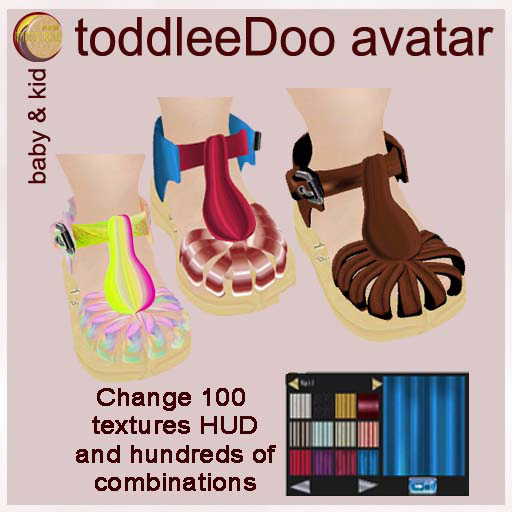


FOR TODDLEEDOO BABY & KID AVATAR- may fit others as it has a resizer.
The size is ready for BABY AND KID AVATAR, however in case you need to adjust it use the resizer., first make a copy, never try to modify your originals Touch the sole of the shoe to resize.
Before any resize, right click the shoe, select edit and do in the top menu of your UI while on the edit mode.
BUILD - SCRIPTS - RESET SCRIPTS
This is to prevent the broken design while resizing.
CHANGE TEXTURE.
You can change the texture of all the shoe, or just some sections. Touch the prim for 15 seconds until you see the hover text, wear the HUD and select the texture you want, select the texture in the group of the left and when it appears in the big square to the right click there.
Once you are happy with your selection, click the same prim you did first and the hover will disappear.
Customer Service
Dhyana Writer
Note: No clothing or bucket is included, just the sandals, see the links for clothing below
- Sandals and Hud texture change
- Resizer
- Toddledoo, Toddleedoo,Todledoo


