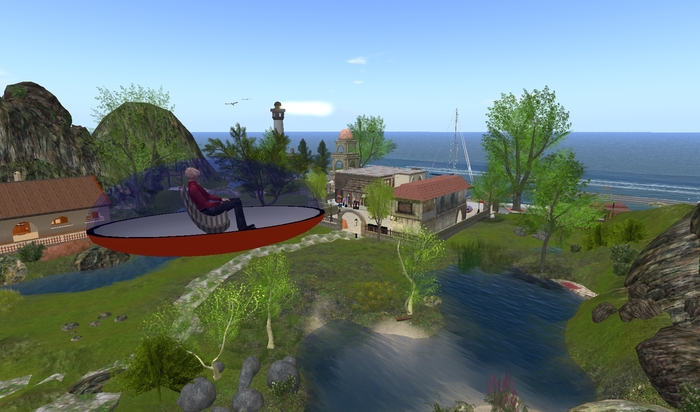
Instructions for installing the - Taxi "Auroro taxi 3"
This is the "Taxi Auroro"
The Route must be configured of a note card.
Offer your guests a tour of your country.
The path that should drive the taxi, you define yourself.
1. create a new notecard
2. Determine the coordinates of the starting point of the turning points and the target point.
ou can find the coordinates of each in your viewer at the top of the screen.
The distance between two turning points can not be greater than 50m.
3. example:
<110,100,22>
<120,105,25>
<130,105,30>
<100,100,22>
See also Sample Test Notecard
4. Then placed the note card in the inventory of the Taxi.
(Make sure this is just a notecard in the inventory of the taxi.)
5. Get in, and click the taxi.
much fun you and your guests
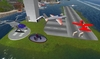
Here you can see the taxi inworld
http://slurl.com/secondlife/Mo%20Mo%20Island/89/176/23
Second Life の商品を表示


Very Good
I wanted to do more so ungraded to the deluxe version. Well made and good support.

