
Start. Perform. Stop. Save.
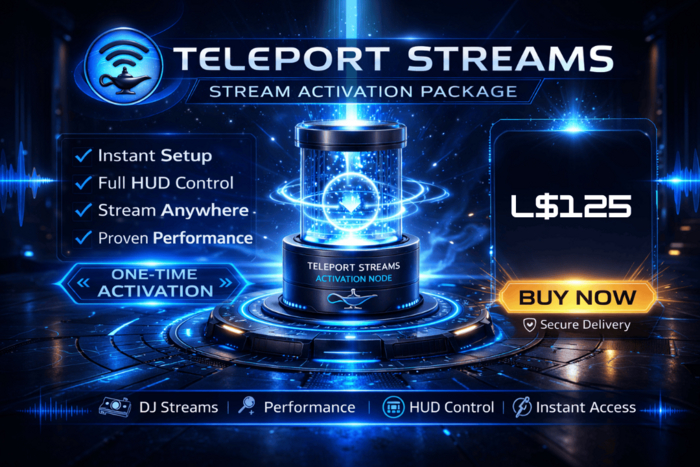
This is your one-time activation object for Teleport Streams — the on-demand Shoutcast streaming platform built specifically for Second Life DJs and live performers.
No more paying for 24/7 idle streams.
No more wasted weekly rentals.
With Teleport Streams, your stream runs only when you do.
What You Get
• L$125 credit (Approx 5 x 2 hour sets)
• 320kbps high-quality audio
• 100 listener capacity
• HUD-based control
• Instant start and stop
• Pay-per-minute streaming (0.2L per minute)
• No charges while offline
Your upfront purchase includes matching credit to get you started.
*What This Product Does*
This activation package links your Marketplace purchase to your personal Teleport Stream account.
Simply rez the Activation Node once, follow the instructions, and your stream is provisioned exactly as if you registered in-store.
After activation, control everything via your in-world HUD.
*Perfect For*
• Club DJs
• Event hosts
• Live musicians
• Radio-style show hosts
• Anyone who doesn’t stream 24/7
- Instant Setup
- Full HUD Control
- Stream Anywhere
- Proven Performance
- One-Time Activation


What a cool and clever way to pay for a stream
This is a great way for someone like me who doesn't DJ more than 4 hours a week to make a saving the purchase was Quick and easy.
Rezz the activator in world click on it and wait about 2 minutes and you get a notecard (that explains your stream details and how to set up your encoder) and a HUD to make it function
Set up your broadcasting Encoder then add the HUD your balance shows right in front of you and matches what you paid for it
Click start wait for it to go green (the writing above the HUD buttons) then start your encoder and away you go! Stop the Encoder broadcasting when you are done and then the HUD and only pay for what you use! Really neat idea!