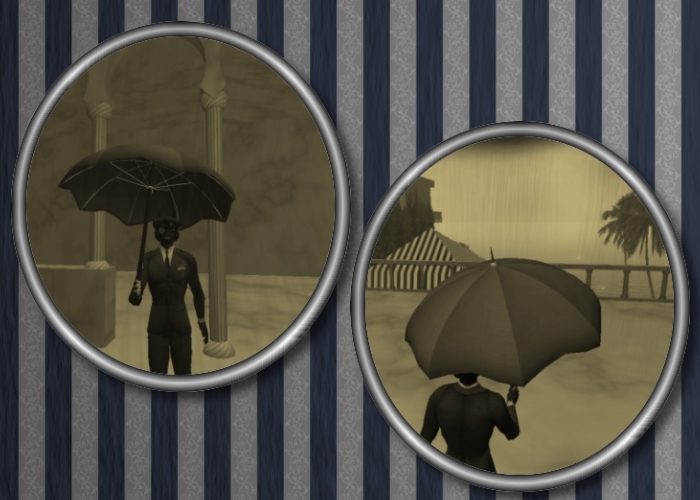
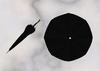
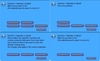
This animated umbrella is menu controlled. Just click on it and a dialog box will pop up. You can open and close it, resize it (small, medium, large), or trigger on of the two hold animations (useful after a teleport or when first wearing the umbrella).
The hold animations are priority 4 so they'll override any priority 3 or lower animations in your AO.
If you need to adjust the rotation/position about the attachment point, you can do so via the Edit menu. When you're done, choose "Adjust" from the menu and save the new or reset to the default position/rotation.
Simply choose the "Reset Script" option I added after taking the pictures of the menu, if you need to reset the script completely.
Of course you can also use the commands of the dialog boxes in chat on channel /42.
You can see this umbrella in world at Urid Dal's Hat Shop or get the free fully functional demo version here on the marketplace.


Really good work!
First you get three ways of holding the umbrella; folded, on your shoulder and straigth up. t is possible to adjust and save each of the ways separately, which is superb to make it fit each and every avatar perfectly! Second, the animations are not easily overwritten since it is priority 4 animation. Third... It looks awesome.
