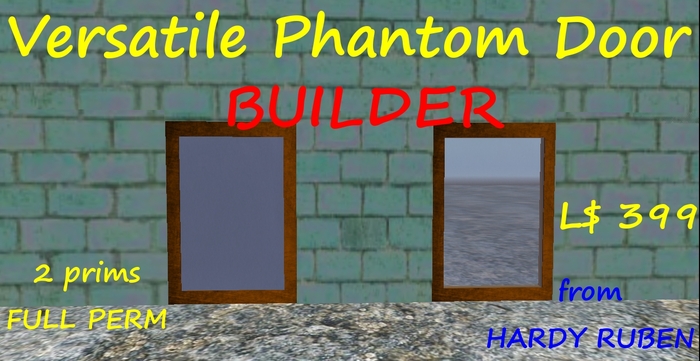


This is the full perm version for builders. The door is also available in a copy permission version. See related items.
This door is advanced but very easy to use. There is no editing of note cards or scripts. Even handling of administrator list, white list and blacklist is fully menu driven.
It is a phantom door. It opens/closes by getting solid/phantom and opaque/semi-transparent. This saves space around the door. The door is activated by touch or collision.
The door has lock, sound (can be shut off) and auto close. Auto close can be shutoff or set to a value between 10 seconds and 30 minutes (10 options). The door can be locked in open position if you are administrator: Shut auto close off, lock the door and open it.
The door has 3 lists: administrator list, white list and blacklist:
Common users : Can open and close the door if it is unlocked.
Blacklisted users: Can NEVER access the door. Blacklisting overrides appearance on other lists except for the owner. Owner is ALWAYS administrator.
White listed users: Can open/close the door and operate the lock.
Administrator listed users: As white listed + administrate door sound, auto close and the 3 lists.
The administrator list makes the door very useful for rentals as all permissions to important functions can be given to the renter without changing ownership.
The door has 2 prims but you can unlink and delete the frame to save 1.
As the door is full perm you can change size, texture and color.
The door is delivered with full permissions but most must only be sold or given away with either copy or transfer permission disabled. Furthermore the script most not be sold or given away with modify permission. The door must only be sold as a part of your own build and not as it is!
If you have questions or need help concerning the door contact me, Hardy Ruben in-world. I will do my best to help but copyable items can not be refunded.


