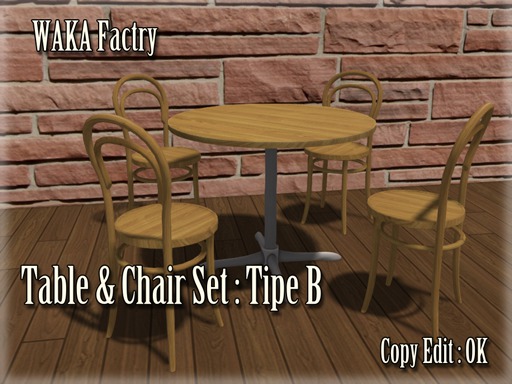


Details
Features
Contents
Reviews
Copy Edit : OK
Since put the demo, please check and animation
http://maps.secondlife.com/secondlife/TSUKIJI/164/50/22
1
You put
the chair in touch if you put out the object of the table.
This action is possible, the only owner.
2
After issuing is the Inventory Die, scripts and objects of the chair in the table would be a good person who had been off the
3
Touch the chair and then Sit on the Rez object to select the type of avatar.
If you want to sit in the AO you are using, please Sit directly chair without selected in the dialog
4
Touch After you object Sit out with a touch to select the animation.
Rez objects are, has become transparent, but so are adapted to surround the chair, it is OK to hit the chair in touch.
- Table & Chair Set
