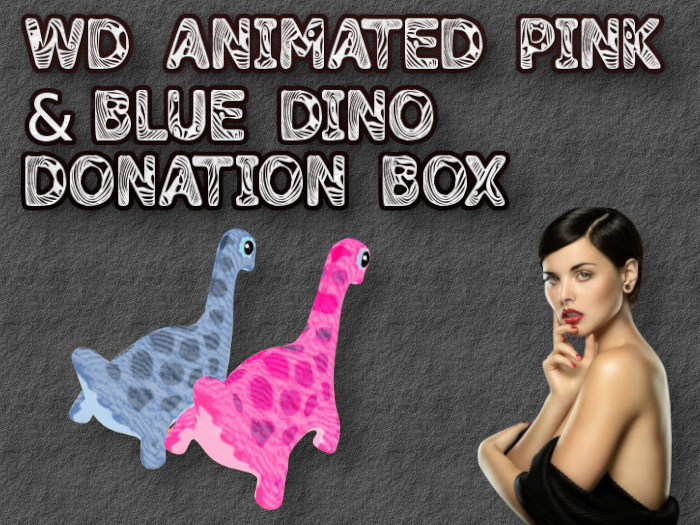
FEATURES:
1. Mesh and just 1 prim, Copyable
2. Support split donations between several owners.
3. Different display options (Last 5, Top 5, Total only, Last Only and more).
4. Easy to configure using a detailed notecard.
5. (Optional) Fake donations at startup.
6. Customizable thank you message.
NEED HELP ? IM/Notecard WallaGo Dingson.
EXAMPLE OF SETTINGS NOTECARD
##### SETTINGS FOR donation box ###
# FILL ALL THE INFORMATIONS BUT DONT MODIFY THE PARAMETER NAME.
# STEP 1 - Set Title for the donation Jar
# TITLE=NEW - Donation box, IF left empty owner name will appear
TITLE=[WD] DINO DONATION BOX
# STEP 2 - Set color for the title
COLOR=1, 0.8, 1
# STEP 3-Set the price on buttons ($L)[pay, 2*pay, 3*pay, 4*pay]
# If you set 500 it will appear 500,1000,1500, 2000
PAY=50
* STEP 4 - This message will appear after the thank you for your donation...
THANKYOU_MESSAGE=Thank you for your amazing donation.
# STEP 5 - information on top of the tip jar
# 0=donor name + last donations + total
# 1=donor name + high donations + total
# 2=last donation
# 3=last donation + total
# 4=total only
# 5= nothing
INFO=0
# STEP 6 - Split the commission between several owners
# Each line belong to a different owner, each owner get the same cut.
# for example 3 owner each one get 33.3% of the commission. 5 owners each get 20%.
# each line has the UUID/KEY of another owner
# ex OWNERS_SPLIT=2315566b-f6dd-458f-bf98-e2b8ffff3903
# Just add the OTHER owners
OWNERS_SPLIT=
# STEP 7
# IM ALL OWNERS WHEN A TIP IS RECEIVED ?
IM_OWNERS=NO
# STEP 8
# FAKE donations Amount, Name
# EX, FAKE=500, Wallago Dingson


![[ WD ] Welcome Board & Greeter - 5 Prims - Full parcel](https://slm-assets.secondlife.com/assets/31752295/view_small/wdwelcomeboardad.jpg?1656366348)

![[ WD ] Floating Tipjar](https://slm-assets.secondlife.com/assets/31953023/view_small/wdfloatingtipjarAD.jpg?1660146406)