Details
Features
Contents
Reviews
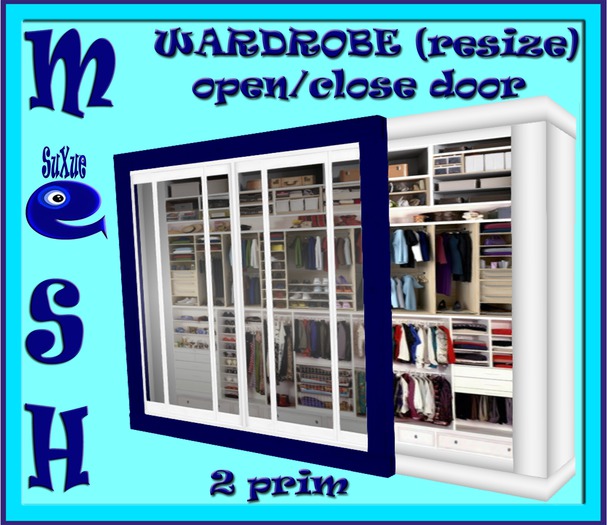
2 PRIMS + MESH + RESIZE + TRANSFER + CLICK OPEN AND CLOSE DOOR
The resize menu is very easy to use. Just click on the item and a menu will pop-up. Then you can adjust the size of your item.
Simply left click on the item you want to resize and a window menu will pop up in the upper right corner. Select the percent with ( + )sign for bigger size or ( - )sign for smaller size. After fitting the item to your shape you can click the "FINISHED" tab.
To erase the script click the delete.
- 2 Prim
- MESH
- Resize
- Transfer


![[su] dumping - MESH 1 PRIM SNOWY PINES NEMRUT DORT](https://slm-assets.secondlife.com/assets/12887155/view_small/4_AGAC.jpg?1449069542)
![[su] dumping - 1 Prim CHRISTMAS WREATH CANAN](https://slm-assets.secondlife.com/assets/12809980/view_small/YILBASI_SUSU.jpg?1448043896)
![[su] dumping - MESH 1 PRIM CHRISTMAS TREE RESIZE NERIMAN](https://slm-assets.secondlife.com/assets/12809790/view_small/NOEL_AGACI.jpg?1448041889)
![[su] dumping - MESH 1 PRIM CHRISTMAS FIREPLACE WOOD TUGO RESIZE](https://slm-assets.secondlife.com/assets/12836511/view_small/SOMINE_TUGO.jpg?1448393383)
