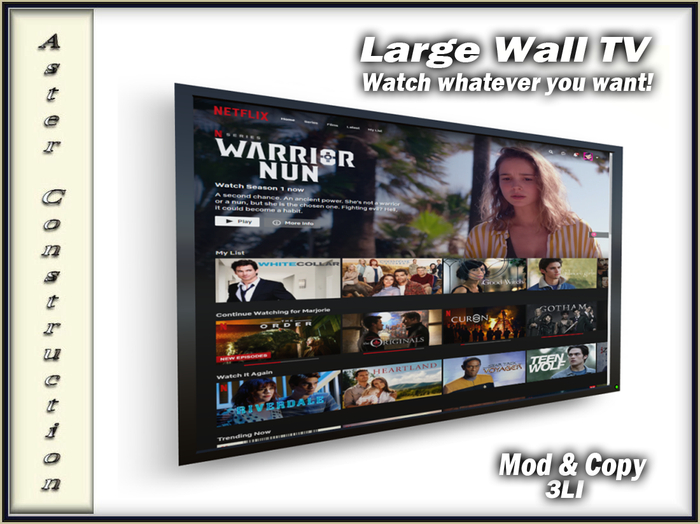
To access the web, touch the TV anywhere and choose 'Web On' from the menu. A bar will appear at the top of the screen when you are close to it, click this twice and it will take you to Google and the screen will become 'active'.
You can then use Google as you normally would, and choose what you want to view, Like Netflix or YouTube, In your own Second Life home!
There are also 18 gorgeous textures to use either in Slideshow or Still.
- LI3


only giving one star because there is no option for zero stars
bought the tv against my better judgement. it worked great the first day. Now when i open it up a webpage , it plays for the first two minutes then the screen goes into some sort of screensaver mode. My land settings are correct as they should be or it wouldnt have worked without issue the first time, i checked them again just to make sure. Contacted the seller who was no help... just sent a response of "check your land settings, thanks" how about you dont make something and sell it if you dont wanna be bothered with issues that come up