Détails
Caractéristiques
Contenu
Avis
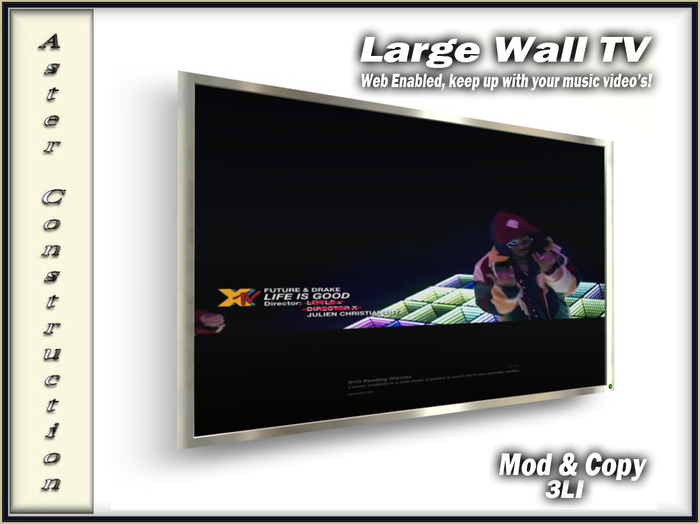
To access the web, touch the TV anywhere and choose 'Web On' from the menu. A bar will appear at the top of the screen when you are close to it, click this twice and it will take you to Google and the screen will become 'active'.
You can then use Google as you normally would, and choose what you want to view, Like Netflix or YouTube, In your own Second Life home!
There are also 18 gorgeous textures to use either in Slideshow or Still.
