Whiteboard / Blackboard / Chalkboard
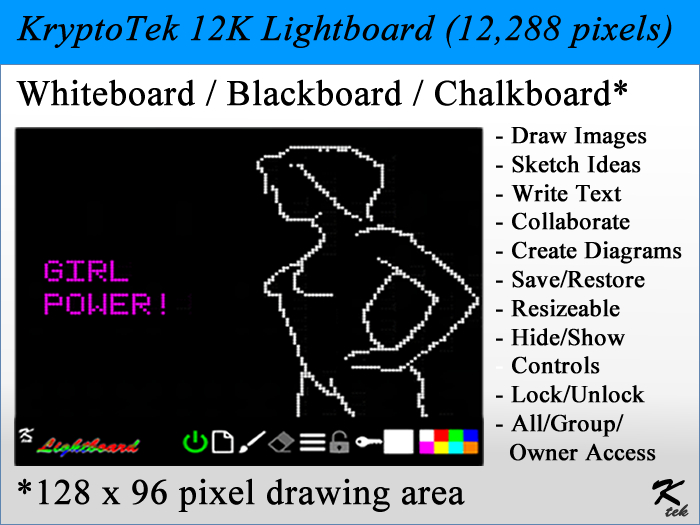
The Lightboard contains a 128 by 96 pixel drawing area, for a total of 12,228 pixels, packing 128 pixels per LI. Use the drawing area to write text, symbols, draw diagrams, etc.
Touch the canvas to draw. Click on the icons displayed below the canvas to turn the Lightboard on or off, erase the canvas to draw a new image, toggle the paintbrush on or off, the touch the eraser to turn the eraser on / off, the menu icon (3 horizontal stripes) to display the Lightboard menu, the lock icon to protect your creation from accidental changes, and the key icon to set access to the Lightboard to Owner, Group or everyone. To change colors, touch the desired color from the color palette.
Touching on or near the Lightboard logo will hide the tool bar and display the drawing area only. Touch the Lightboard drawing area to show the toolbar again.
LIMITATIONS:
The drawing area consists of a set of horizontal faces, with each face displaying up to 8 individual pixels, with each pixel on the same face sharing the same color value.
- Draw Text,
- Save & Restore up to 9 images
- Select from 8 brush colors
- Resizeable
