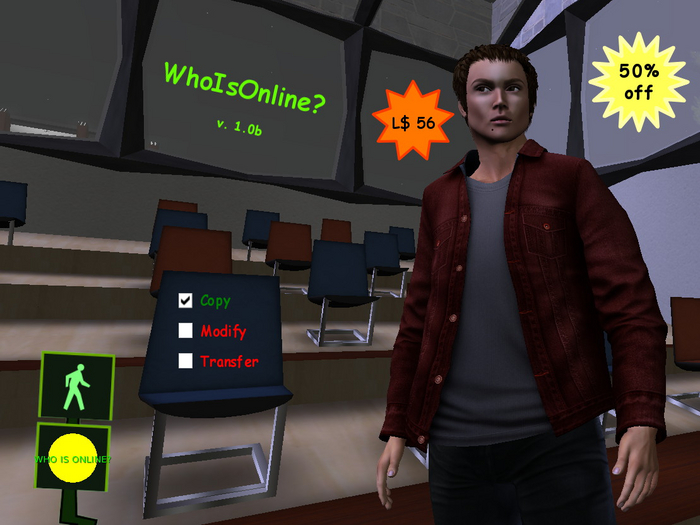


The tool monitors the online presence of avatars, mainly those ones included in the specific inventory notecard. Avatars can also be those ones unrelated to the official friend list in SL. The notecard "avatars", obtainable after pressing on the HUD first and then on the "Edit" button, contains the avatar keys (UUID) to be monitored automatically at regular intervals and must be filled in carefully following the syntax for each line as <first name> <last name> <UUID> or <user name> <UUID>. In addition to blank lines, comments can also be added by starting the line with "#". After saving the notecard it must be dragged onto the HUD by holding down the Ctrl key not before having deleted the old notecard using the appropriate button.
The key of an avatar is obtained through the command "/2 <first name> <last name>" or "/2 <user name>": if the avatar, whose name has been typed respecting upper and lower case, is already present within 96 m, the response is immediate otherwise the Linden Lab server will be queried. Then the returned text can be copied and pasted into the avatar notecard. To check for the online presence of other non listed avatars (even those ones who have hidden themselves) use the command "/2 status <first name> <last name>" or "/2 status <usern ame>" instead. On the other hand, when you want to check the online presence of avatars in the notecard, simply touch the HUD: if the avatar tracking is enabled (the little man and the outline are both green), the complete list will be displayed in the local private chat divided into two groups, "offline" and "ONLINE", each of which contains their respective avatars in alphabetical order. Monitoring takes place at regular intervals, from a minimum of 5 to a maximum of 60 s, chosen on its own and if one of avatars connects or disconnects its online status change will be notified through a text message in the local private chat and through a specific audio signal (when enabled) and bright signal of the HUD. It's normal that an avatar online status is not immediately notified, both due to server delays and the set time interval. When the HUD is not operational then its outline and the little man represented are red.
Text commands:
/2 {<first name> <last name> | <user name>}: key of an avatar. E.g. /2 Gianni Lupindo
/2 status {<first name> <last name> | <user name>}: online presence of an avatar with information on the possible presence of the tool's owner in the same region. E.g. /2 status gianni.lupindo
/2 reset: resets the script keeping the custom avatar list notecard.
- Detects the online presence of any avatar, included who have hidden itself
- Automatic or manual check of an avatar online status
- Audio and text notification of an avatar online and offline status
- Avatar profile link switch
- 50% discounted price
