
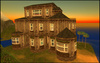
You can see it At my Store in Dreamfall
The mansion comes in an easy to use rez-faux package; simply place the box on the ground, right click and pick edit, then click the Rez button from the menu. Once rezzed, you can move the house into its final position by moving/rotating the rez package.
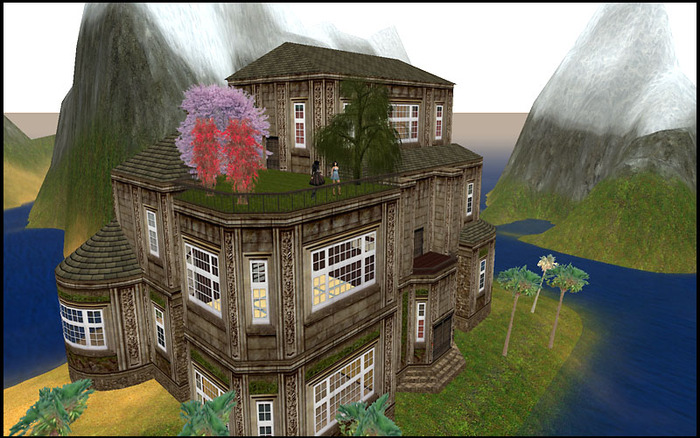
The mansion consists of 235 prims. The footprint will fit on a 32x64 plot (or 2048 sq meters), at minimum leaving you with 233 spare prims. It is sold as copy/mod, so you can easily retexture anything to your own taste, or rez it again and again in case something goes wrong.
The Winterspring Mansion has 3 levels or floors:
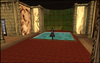
- 1st floor has 3 rooms, each with a unique victorian style decor and a large main hallway with built in 8x8 water pool, and a large longue, with a fireplace.
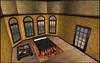
- 2nd floor has a large japanese styled wooden covered room, a separate bedroom, a tiled bathroom and a balcony.
- 3rd floor has a large pentouse with a fireplace, and an attached balcony garden deck.
Built in are privacy windows and a secure door with group/owner only access option.
Built in Teleporters to move between the floors (labeled 1, 2 and 3, for the corresponding floors) You will find them as small discrete buttons located snuggly against the walls on each of the floors.
______________________
Security Features
The Winterspring Mansion has a built in privacy system and doors which can be set to be accessible either by everyone or only by the owner and group members. The control system is located in an orange round panel next to the door. Click it and pick one of the following 4 options:
Privacy On: Will tint all of the windows opaque
Privacy Off: Will make all of the windows transparent
Security On: Will make the door accessible only by the owner and the members of the owner's group.
Security Off: Will make the door accessible by anyone.
If you'd like to use the secure door feature for members of the group, make sure the entire structure is set to the correct group. For example if you and your friends belong to a group called "My Friends":
Either make sure you are wearing the correct group tag when rezzing the object
or
When rezzed, right click the object, pick edit from the pie menu, click the general tab, and make sure the group is set correctly. If not, pick the "Set.." button, and pick the correct group name from the menu.
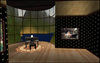
NOTE: The furniture visible in the photos is not included in the sale.


