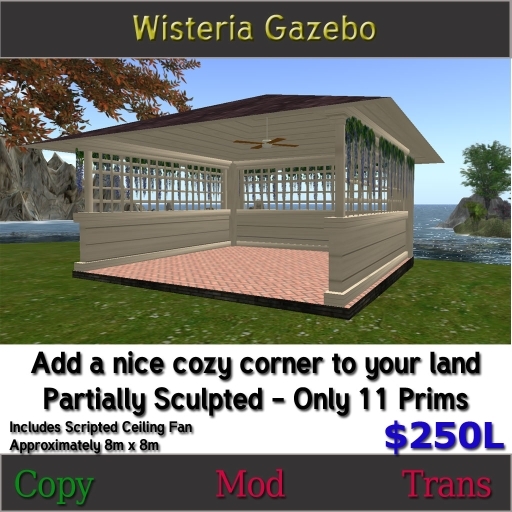

The gazebo itself is fully linked making it easy to place. Simply pull it from your inventory and rez on the ground. You may then use the Edit mode to move it into the desired position.
The scripted fan is also linked to the build. It may be turned on and off by touching the blades.
Because the build is partially sculpted using large prims which must be phantom, the walls are scripted to remain phantom even though linked to non-phantom prims. The gazebo is lined with a inner invisible prim to keep you from walking through the walls.
If you are experiencing problems with sculpty items getting twisted and distorted from a distance, the following should help resolve that issue for you - and does not result in lag.
LOD Setting for load sculpts
Set your LOD settings to make all sculpts looking better by complete the following steps:
1. Show the "Advanced" menu by press Ctrl-Alt-D, or Opt-Ctrl-D on a Mac.
2. Go to menu Advance -> "debug settings" .
3. In the blank space, copy and paste the word "RenderVolumeLODFactor".
4.Set the value of "RenderVolumeLODFactor" to 4 that will make all sculpts looking great.
We hope you enjoy your Wisteria Gazebo - if you have any questions or problems please contact Kristopher Tungsten
