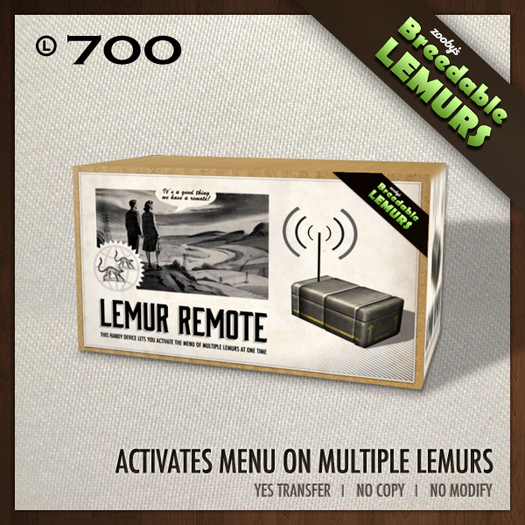

The Zooby Breedable Remote is useful in that it allows you to modify the settings on several lemurs at the same time. If you are trying to breed 100+ lemurs and you do not want to click on each one individually, you can use the remote to access all of them and adjust their settings.
There are two main buttons to the remote menu. One button is Control and the other is Lemurs. Control allows you to control the remote itself and Lemurs allows you to apply settings to all lemurs that are listening to the remote.
----------------------------------------------------
CONTROL MENU - Opens a second menu with the following buttons:
RANGE - Click this and all lemurs within a specified range from the remote will listen to it.
GROUP - Click this and all lemurs that are from the same group as the remote will listen to it. To view group, right click and Edit the remote. Open the General Tab and locate what group is assigned. The group generally coorelates with the land the object is rezzed on.
TRIBE - Click this and the remote asks you to type in a tribe name. When you do all lemurs that belong to the same tribe will listen to the remote.
TRIBELESS - Click this and any lemurs that do not belong to a tribe will listen to it.
----------------------------------------------------
LEMURS MENU - Opens a second menu with the following buttons:
REBROADCAST - Click this and all lemurs that are listening to the remote will reset to listen to the current settings.
TEXT - Click this and you can view the Stats, Name or Traits of all lemurs that are listening to the remote.
ACTIVITY - Click this and you can modify the Activity settings of all lemurs that are listening to the remote. For example, you can turn Digging or Sounds on or off.
MOVEMENT - Click this and you can modify the Movement settings of all lemurs that are listening to the remote. For example, you can set lemurs to remain Static, go into Market Mode or roam the sim.
BREEDING - Click this and you can modify the Breeding settings of all lemurs that are listening to the remote. For example, you can set lemurs to breed by Tribe, by Group or by All.
RANGE - Click this and you can modify the Range settings of all lemurs that are listening to the remote. For example, you can set lemurs to roam 5 Meters, 10 Meters or 15 Meters as well as reset their home position.
www.zoobys.com/breedable
Ver el artículo en Second Life Ver vídeo »- Allows you to modify the settings on several lemurs at the same time
- For breedable or pet lemurs
- Useful for organizing lemurs for breeding
- Includes interactive menu to control all lemurs
