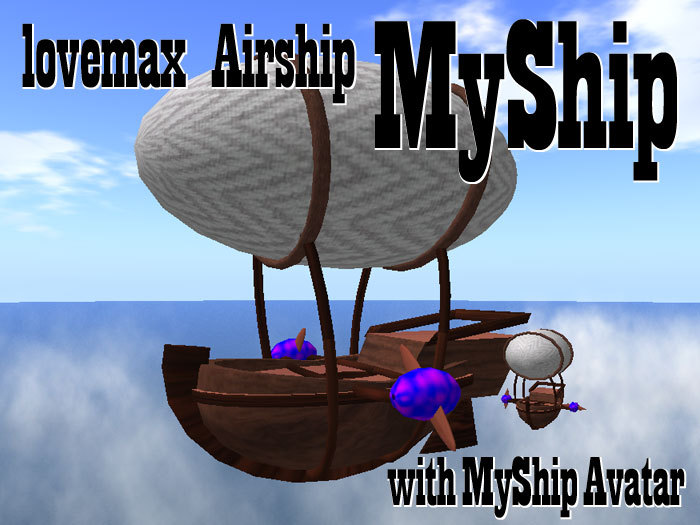
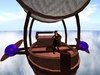

How to use:
To start fly, Sit on the ship and Touch.
Control ship with Arrow keys(right/left/forward/back), or PageUp and PageDown keys(up/down) on your keybord.
To stop fly, Touch again or Stand up.
Including "MyShip Avatar"
Size Adjustable -- Touch for Resize Menu:
(*Note: Resize vehicle "MyShip" available while no one sitting.)
[+20%] [+5%] [+1%] -- Size bigger.
[-20%] [-5%] [-1%] -- Size smaller.
[Restore] -- Restore to the last saved size.
[Save] -- Save this size as new 100% size.
[Finish] -- Fix this size and no more resize. (Remove resize script.)
Editable -- Put any textures you like on it.
The last Picture is Sightseeing Airship on Venezia SIM, next of In-World Shop.
The same textured product is including also and only in the sales-box there.
* Try Sightseeing Flight at Venezia SIM.
In-World Shop is 75 metres away from the landing point of Venezia SIM at the Rialto Bridge.
Take a stroll towards the Red Beam, or come at once from the Sign of Airship Sightseeing near the landing point.
